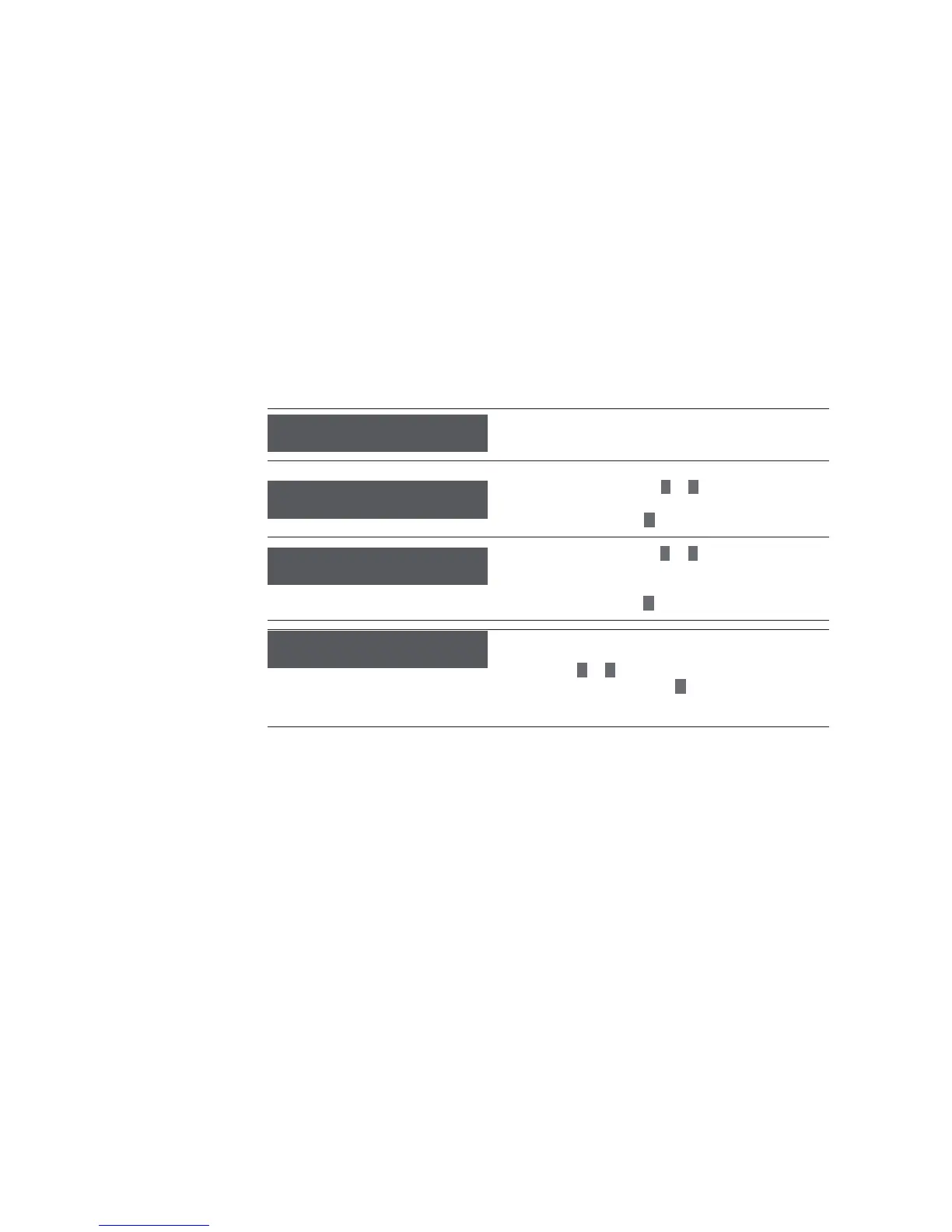
Initial setup
15
The setup programme now guides you through the basic
settings.
> Set the current time with
–
or
+
(hh = hours in two digits, mm = minutes in two digits).
> Confi rm the time with
P
button.
> Set the current date with
–
or
+
(dd = day in two digits, mm = month in two digits,
yyyy = year in four digits).
> Confi rm the date with
P
button.
You can choose between 4 energy saving modes.
> Please note the following information.
> Using the
–
or
+
, set the energy saving mode.
> Confi rm your selection with
P
button.
Initial setup
Time hh:mm
OK: P change: -/+
Set the time
Date dd:mm:yyyy
OK: P change: -/+
Set the date
Energy saving modes
Eco-Mode: 2
OK: P change: -/+



 To Next Page