Operation
42
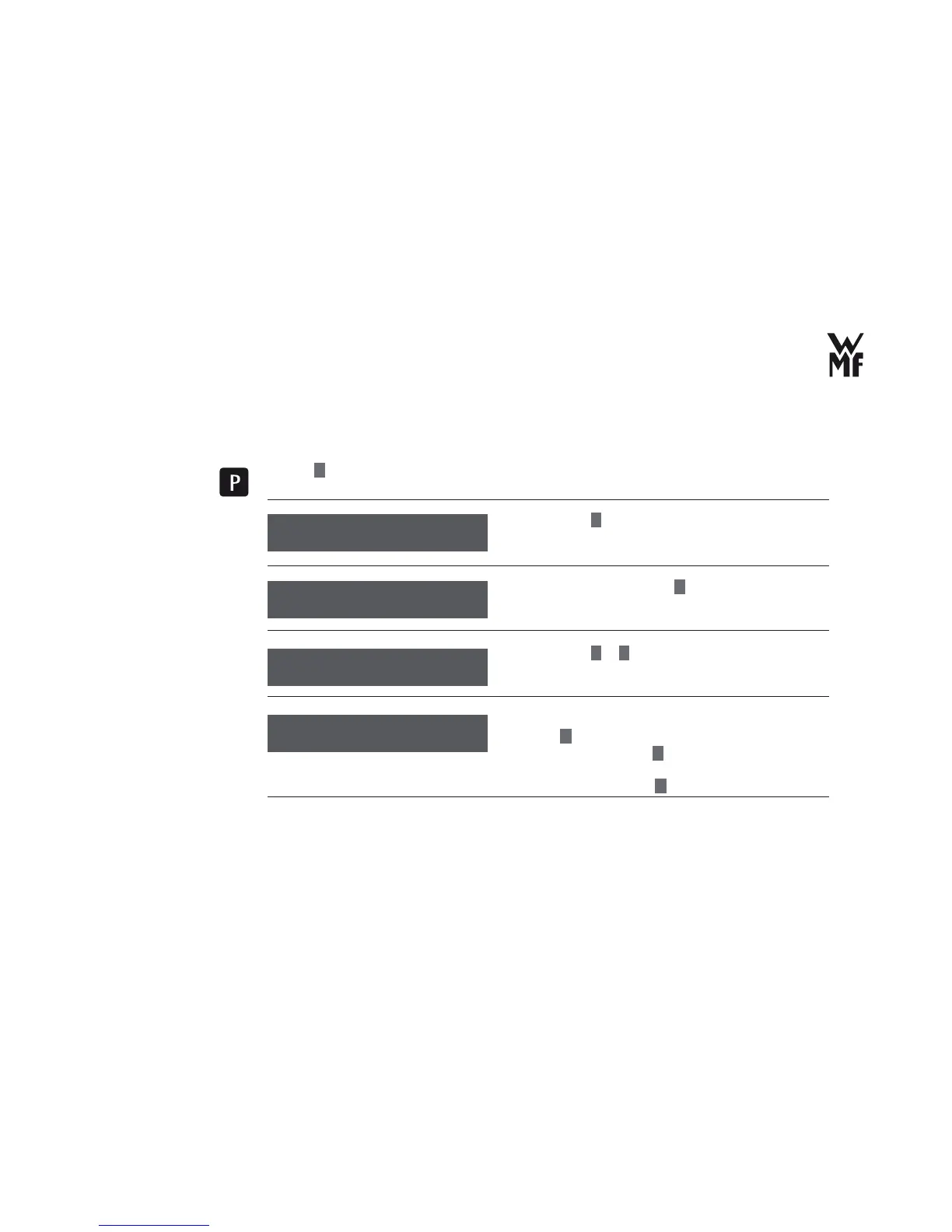
3.8 Read counters
> Press
P
button.
> Browse with
+
for counters.
> Confi rm your selection with
P
button.
> Browse with
–
or
+
to display the number of beverages
prepared.
Immediately after all the beverages are displayed or when
you press
C
button,the counters can be deleted.
> Reset the counters with
P
button.
or
> retain the counters with
C
button.
Select program
browse: +
Select the counters
Counters
OK: P browse: -/+
Espresso 269
browse: -/+
Allow display of the
number of prepared
beverages?
Reset all counters
No: C Yes: P
Reset counters?



 To Next Page