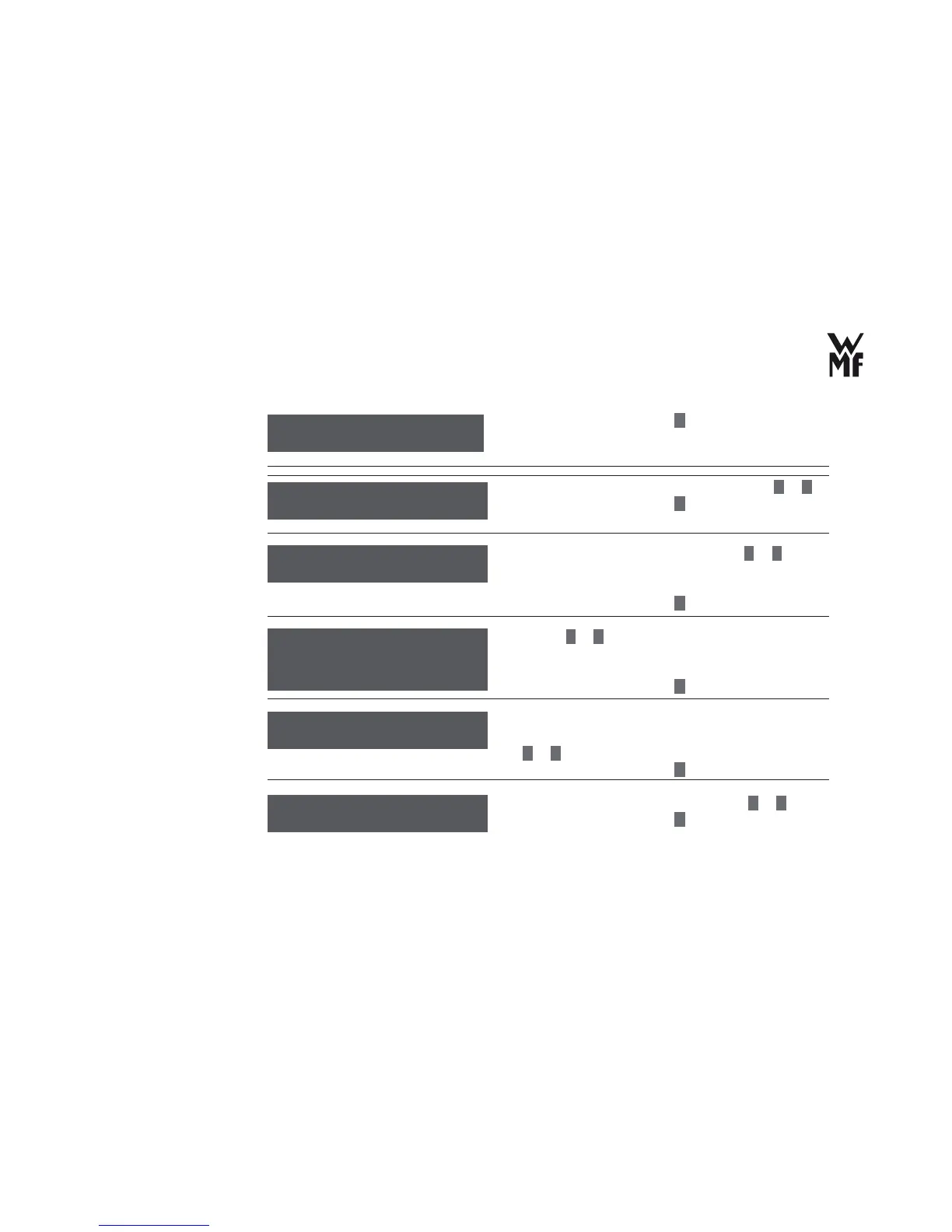
Operation
38
> Confi rm your selection with
P
button.
> Set the display of date and time on or off with
–
or
+
.
> Confi rm your selection with
P
button.
> Set the pre-brew function on or off with
–
or
+
(Chapter “3.1.3 Timer operation (automatic switch-on).”
on page 21).
> Confi rm your selection with
P
.
> Use the
–
or
+
buttons to set whether a warm-up rinse
should be carried out when you brew an Espresso again
after an interval in dispensing.
> Confi rm your selection with
P
button.
> Switch on or off the special information tone for
pressing the control keys and beverage buttons with
–
or
+
.
> Confi rm your selection with
P
button.
> Set the desired brewing temperature with
–
or
+
.
> Confi rm your selection with
P
button.
Basic settings
OK: P change: -/+
Date / Time: On
OK: P change: -/+
Allow display of
date/time?
Switch-on time: On
OK: P change: -/+
Automatic
switch on time
Warm-up rinsing
off
OK: P change: -/+
Warm-up rinse
Sound: On
OK: P change: -/+
Special information
tone
Brewing temp. 92 °C
OK: P change: -/+
Brewing temperature
Default setting: 92 °C



 To Next Page