The 721 has two sets of menus; the Service menus and the Configure menus. The Service
menus allow easy access and tuning while the engine is running. The Configure menus may
only be entered if the I/O is shut down, and hence the engine stopped.
Configure Menus
To access the Configure menus, the engine must be shut down. Press the . key at the
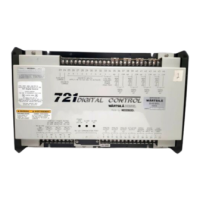
control’s master screen.(“WOODWARD GOVERNOR, 721 DIGITAL CONTROL”) The display will
show “To Enable CONFIGURE, press *ENTER*”. Press the ENTER key and the display
will show, “To shutdown I/O, press *ENTER*”. Press the ENTER key and this will allow
you into the Configure menus.
NOTE
If the engine is running during this process, it will be shut down due to shutting
down the I/O of the control.
To move between the menus use the W and X keys. To move through the set points within a
menu, use the S and T keys. Once within a menu, to return to the menu header, press the
ESC key.
To exit the Configure menus press the ESC key. The set points will be automatically saved
when leaving Configure, and the control will automatically reboot itself.
CAUTION
Any values that are adjusted or tuned must be saved by pressing the ESC
key to reboot the control prior to removing power to the 721 control,
otherwise they will revert back to their original settings. Saving is done by
pressing the SAVE key on the hand held programmer.






 To Next Page