Manual 26710V1 ProTechTPS Total Protection System
Woodward 19
Module Removal and Installation—Bulkhead Mount
Package
Currently, display circuit boards are not replaceable. Users should
not attempt to remove or install any display board. If a display board
is unresponsive, contact Woodward for a recommendation regarding
service options. DO NOT ATTEMPT TO REPAIR!
Follow this procedure for module removal and installation:
Removal:
1. Disconnect power from the module to be removed.
2. Verify power removed by observing power LED is OFF.
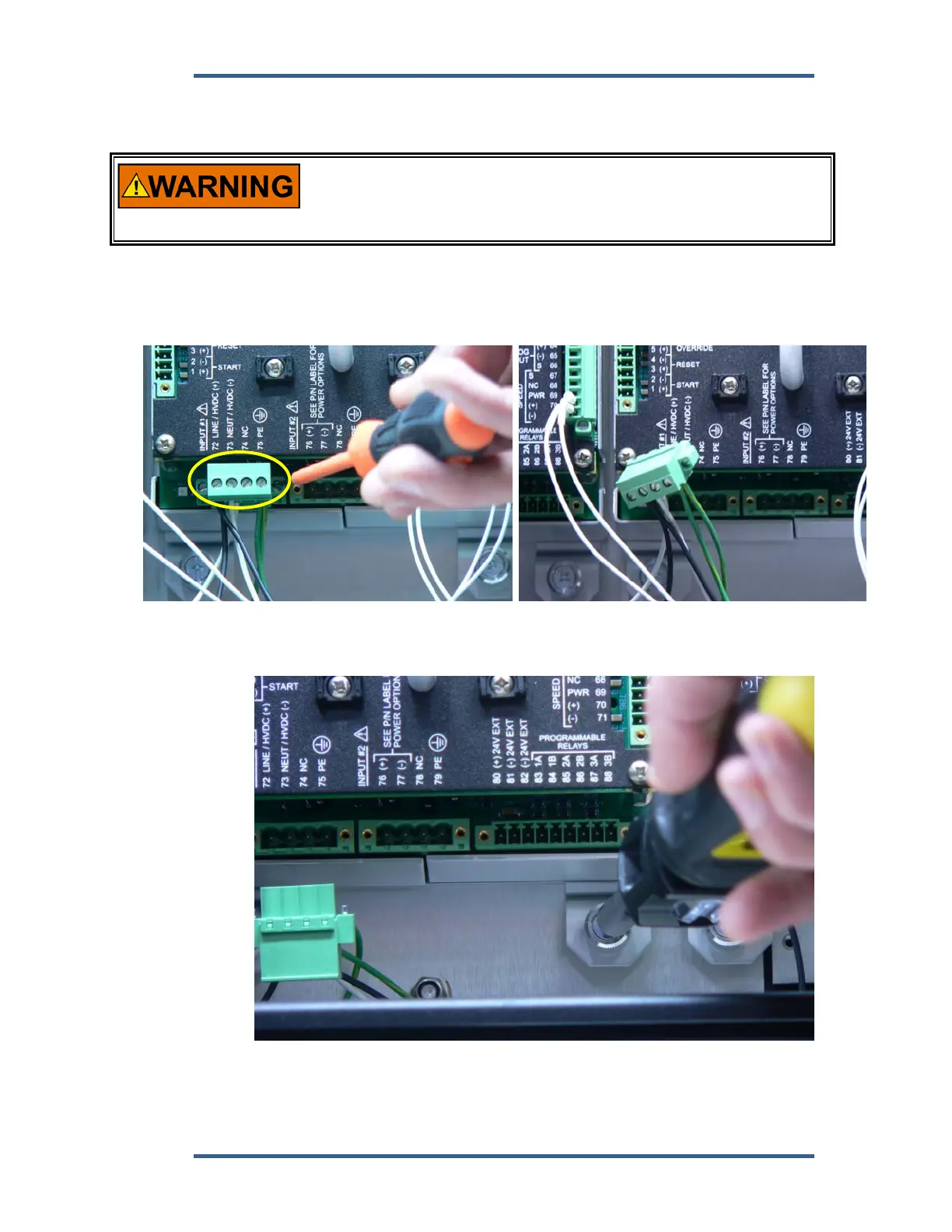
3. Remove terminal blocks from module terminals.
4. Loosen 4 module retention screws.
Power Terminal Block
Retaining Screw


 To Next Page