Satellite Upconverter Manual WORK Microwave
27 / 49 V151207
3.5.3.17 LOAD FACTORY DEFAULT
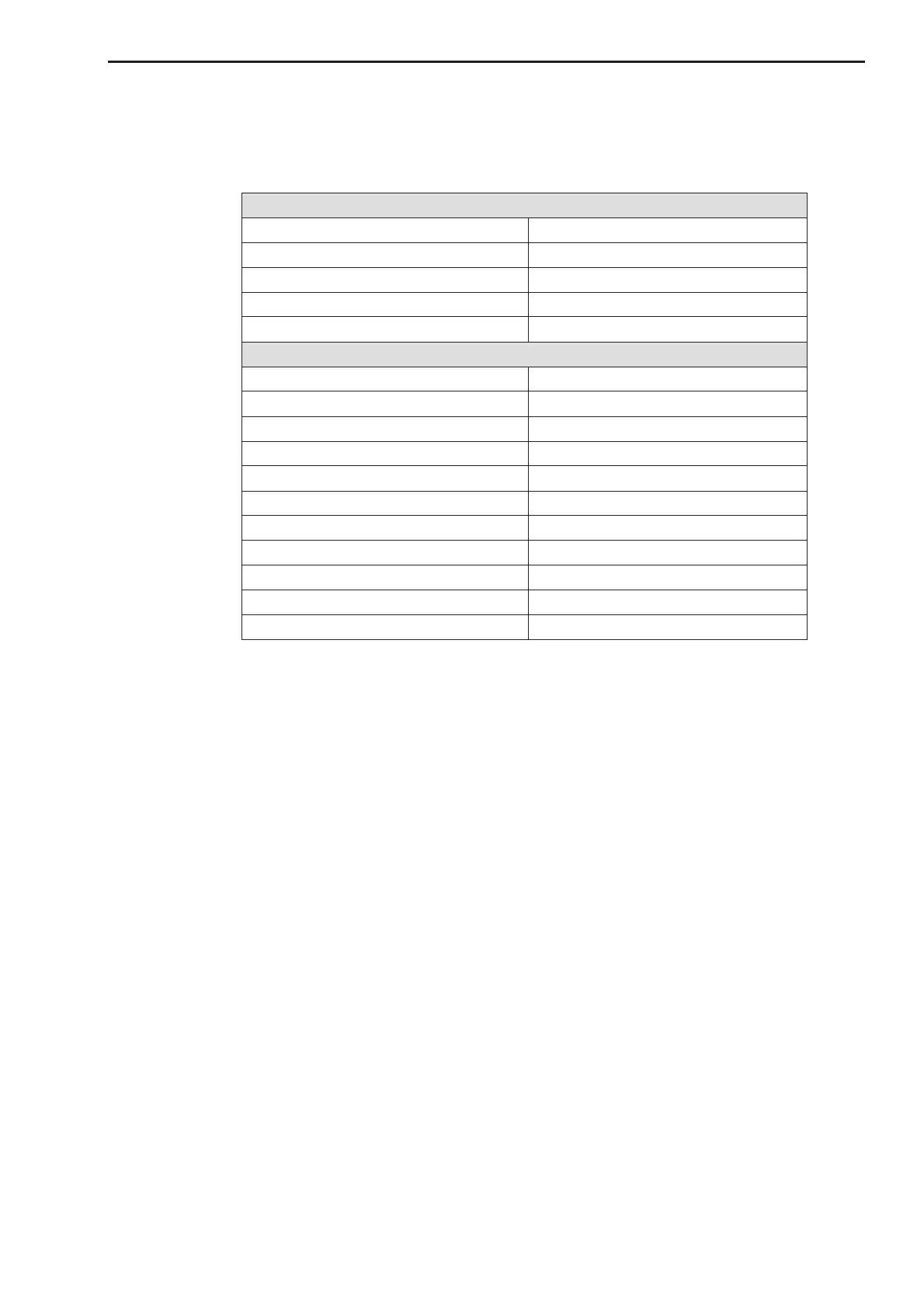
The item “LOAD FACTORY DEFAULT” in the “SYSTEM CFG” submenu allows to activate a factory default
for all operational parameters of the unit. The factory default values are as follows:
3.5.3.18 FIRMWARE VERSIONS
The item “FIRMWARE VERSIONS” in the “SYSTEM CFG” main menu allows access to the firmware ID
strings of the converter. After this menu item is selected the submenu can be activated by pressing the “En-
ter” key. The submenu contains the following items:
· Front panel base firmware (XNA)
· Front panel device firmware (FCA)
· Interface module firmware
· Reference module firmware
· Synthesizer module firmware
· IF/Amplifier module firmware
3.5.3.19 UPDATE FIRMWARE
The item “UPDATE FIRMWARE” in the “SYSTEM CFG” main menu can be used to update the firmware of
the converter modules and the front panel. A flash drive with the new firmware files has to be connected to
the USB port at the rear panel to run the firmware update. The update process can be started by confirming
the item twice. For more details see section 4.6.
3.5.4 MONITOR
The item “MONITOR” in the main menu allows access to monitor a number measurement values within the
unit. After this menu item was selected with the left or right arrow keys the items of the submenu belonging to
this main menu item can be activated by pressing the “Enter” key. The items of this submenu are explained in
the following:


 To Next Page