Satellite Upconverter Manual WORK Microwave
42 / 49 V151207
To download the currently working configuration the “Download Configuration” button has to be pressed. The
file “config.xml” is downloaded to the computer. It contains the device configuration in a XML format.
For uploading the configuration the path to the file has to be entered in the line above the “Upload Configura-
tion” button. The location of the file can also be navigated by using the “Browse” button. Choose a file with a
valid configuration in XML format and with the name “config.xml”. The upload can be started by clicking on
the “Upload Configuration” button.
4.5.3 Saved Configurations
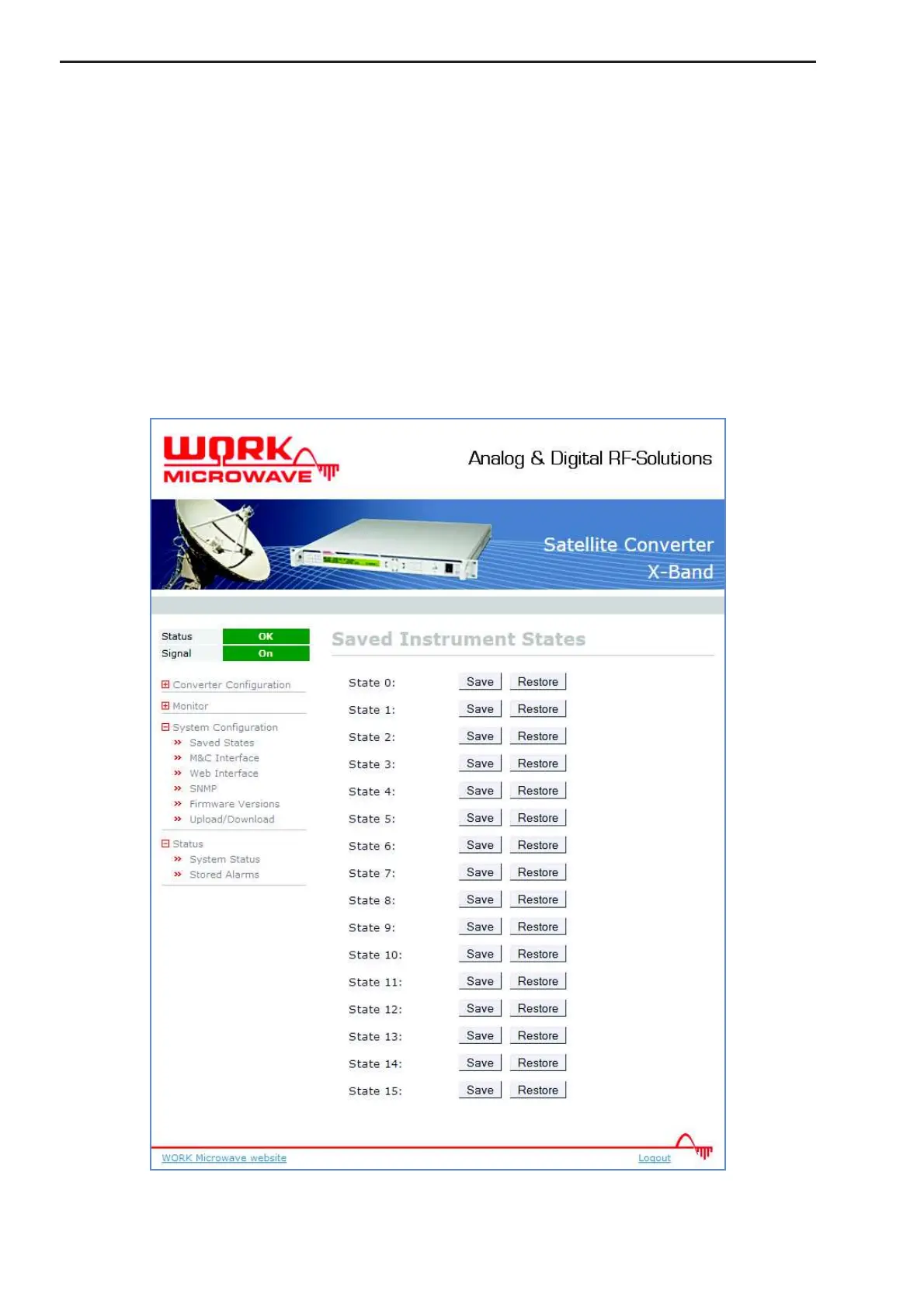
Additionally there is the possibility to save up to 16 different configuration sets locally in the device (“System
Configuration” – “Saved States”). To save all current settings, press “Save” in one of the ten Config Fields.
“Restore” will restore this configuration. Note: When loading an invalid (not saved) instrument state a warning
message box appears.
Figure 21: Saved Configurations page


 To Next Page