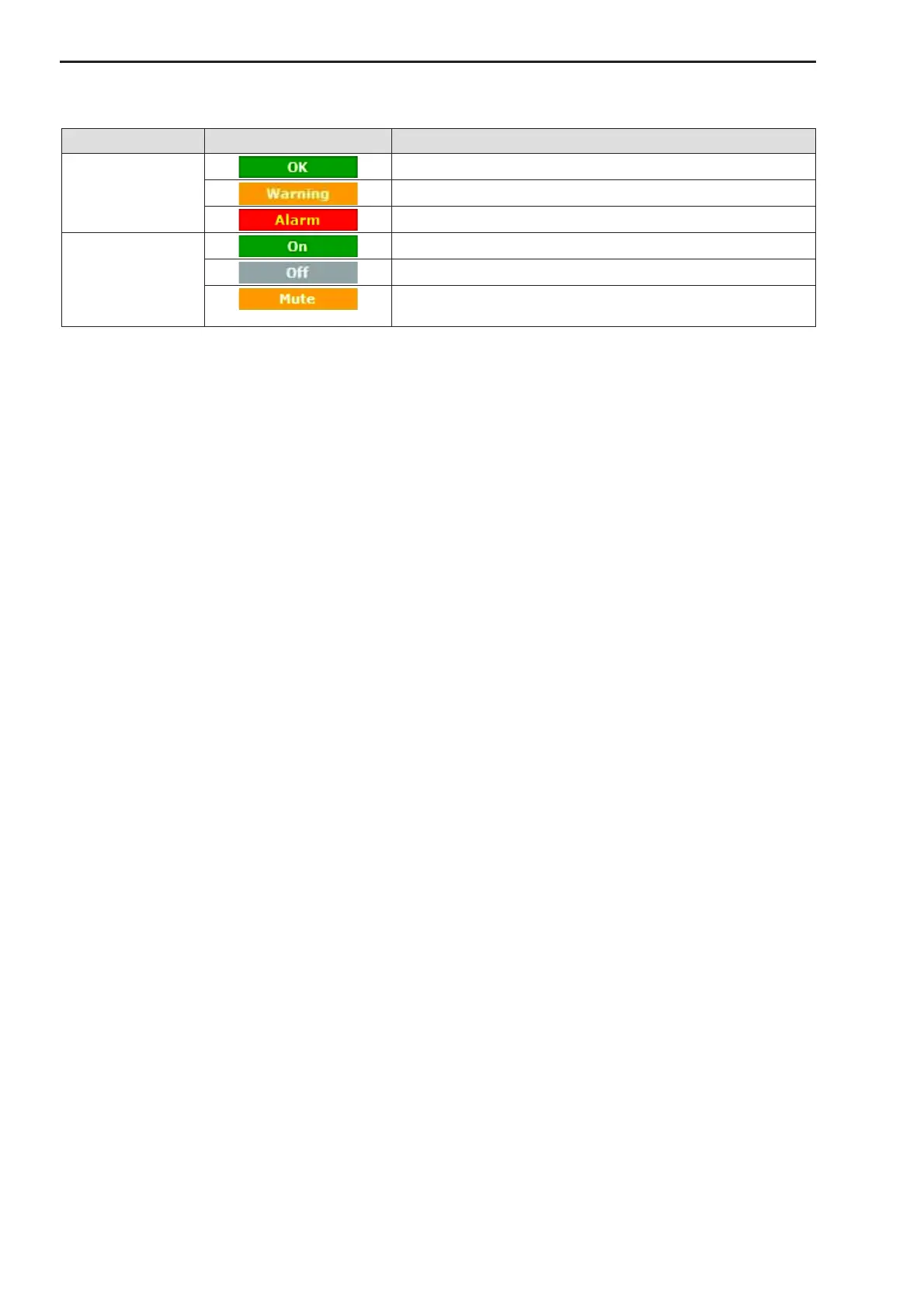
Figure 19: Status Indicators
4.4.2 Navigation Bar
On the left side of every subpage there is a navigation bar which allows direct access to all configuration pa-
rameters. The parameters are sorted in six main groups. They can be expanded or reduced by clicking on the
+ or – symbol in front of them.
The four main groups of the converter are:
· Converter Configuration:
This menu includes the configuration parameters for the converter unit.
· Monitor:
The converter allows a variety of parameters to be monitored. All important internal device parameters
and operational parameters can be displayed below this menu.
· System Configuration:
Below this menu general device settings can be done.
· Status:
This menu allows access to the converter and system status word and the stored alarms.
4.4.3 Main Area
The main area is used to display the contents of the selected menu. This can be monitoring values (read
only), input fields or drop down menus. The input value is displayed in red color if there was a change which
is not send to the device. To send the changes to the device press the “Apply” button.
4.5 Configuration Backup and Restore
The configuration of the IP Modem can be easily backed up and restored with the web interface. This can be
happen either locally with an attached flash disk or remotely via file up- or download.


 To Next Page