Settings 4 - 49
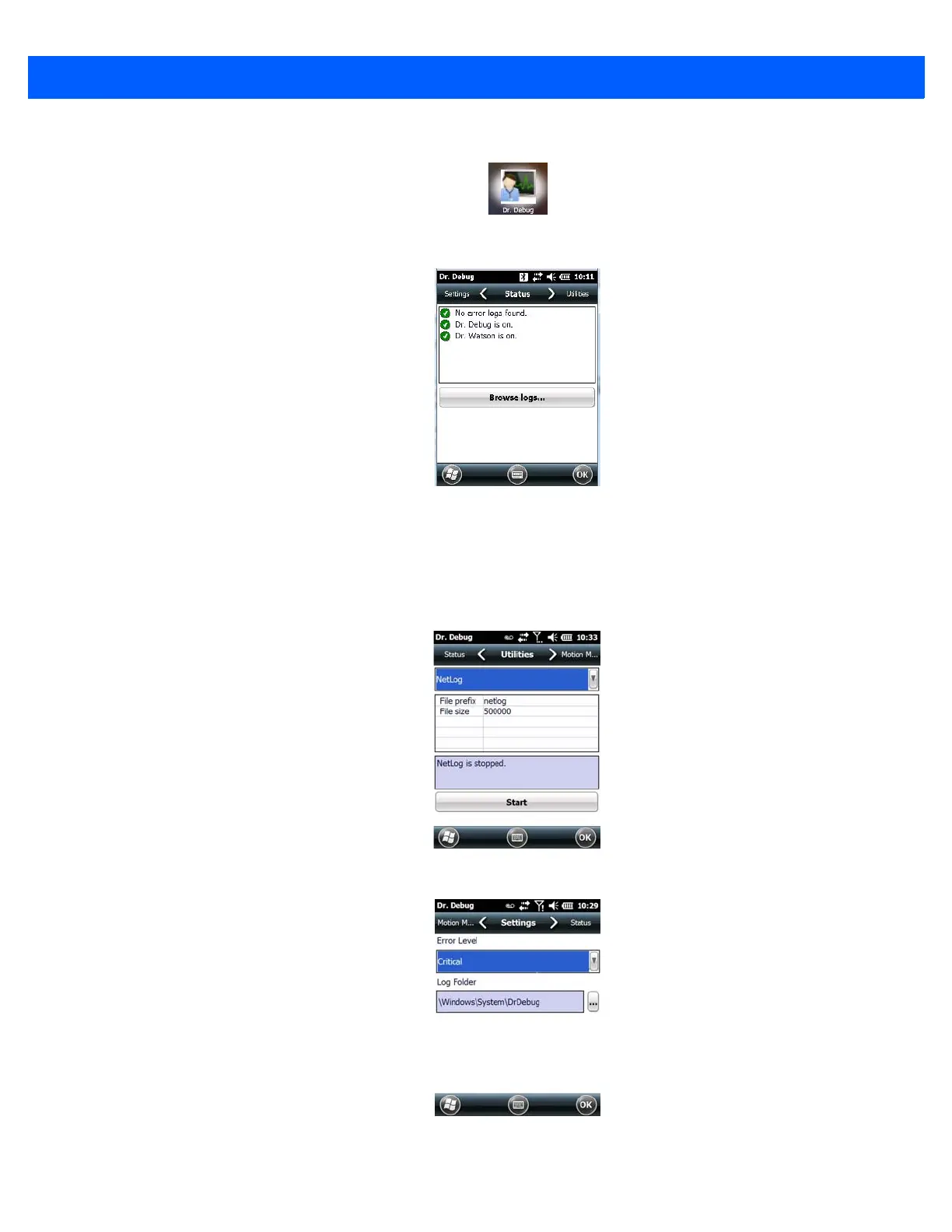
•Tap on Start>Settings>System. Tap on the Dr. Debug icon.
Status
This tab indicates the status (on/off) of the tools. Tapping on Browse logs displays error logs for your review.
Utilities
There are a number of utilities available through Dr. Debug. The NetLog utility is used to log network traffic.
The RilLog utility captures Radio Interface Layer (RIL) debug outputs. When you tap on the Start button, debug
data is collected so that, if necessary, it can be forwarded to a technician for evaluation.
Settings
• Choose an Error Level from the drop-down menu.



 To Next Page