Settings 4 - 51
You can go to:
http://www.microsoft.com/windowsphone/en-gb/howto/wp7/web/use-maps-to-find-a-place.aspx
if a map-viewing program is not included with your Workabout Pro4, and copy the file to your Workabout Pro4.
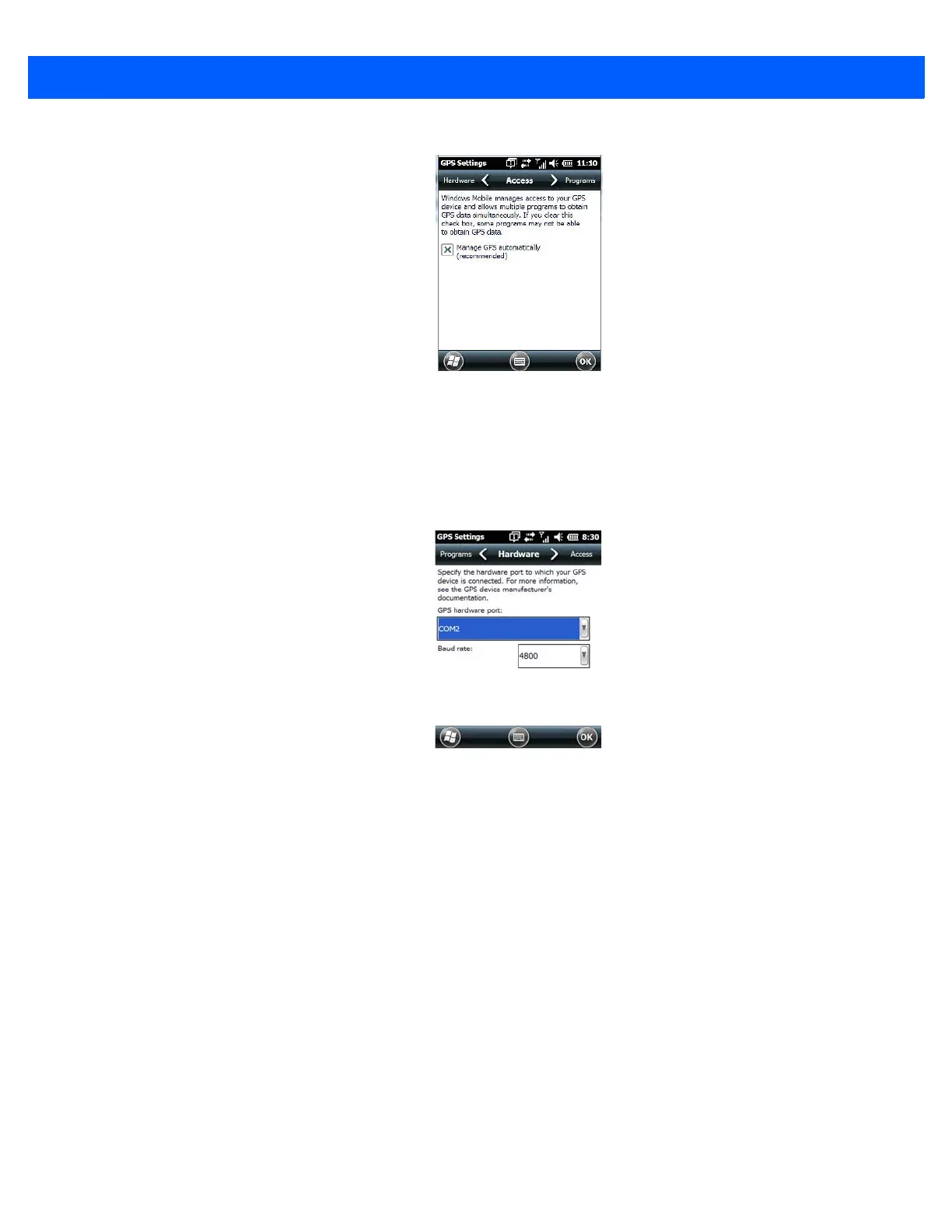
• Tap on the Hardware tab, and set the GPS hardware port to COM2. Set the Baud rate to 4800.
Manage Triggers
Manage Triggers allows you to configure how barcode scanners and other devices are triggered. You can
configure the trigger ID for each trigger button for both single- and double-click, and the double-click time.



 To Next Page