4 - 74 Workabout Pro4 (Windows Embedded Hand-Held 6.5) User Manual
Deleting a Profile
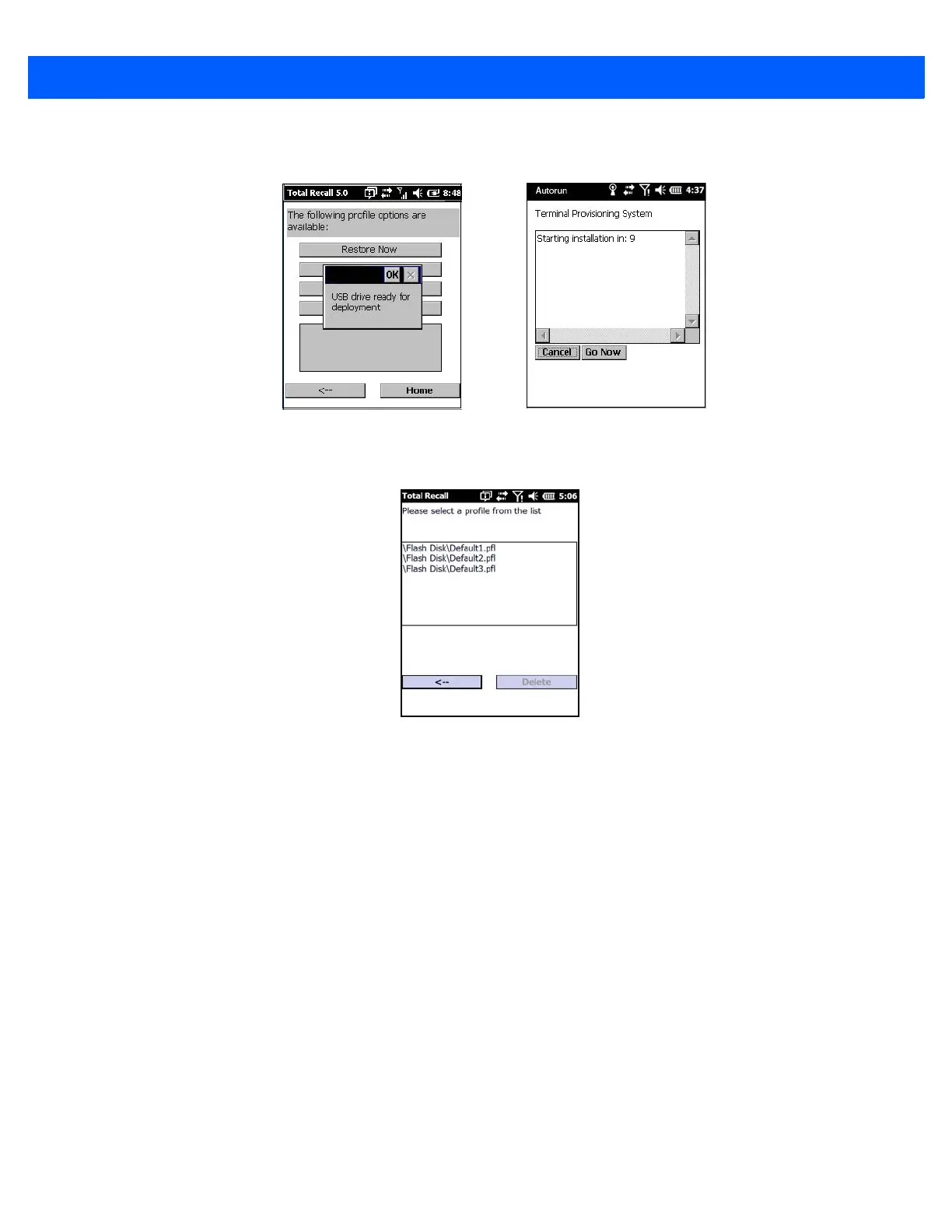
• In the Total Recall home screen, tap on Delete Profile.
• Highlight the backup you want to delete, and tap on the [-->](Next) button.
A warning pop-up screen appears asking if you’re certain that you want to delete this file.
• Tap on the Yes to delete the file.
TweakIT
•Tap on Start>Settings>System.
• Tap on the TweakIT Settings icon.
USB drive prepared for cloning
Autorun installation on next Workabout Pro



 To Next Page