3 - 16 Workabout Pro4 (Windows Embedded Hand-Held 6.5) User Manual
Alarms
Refer to “Time, Date and Alarms” on page 2-17 for details about this applet.
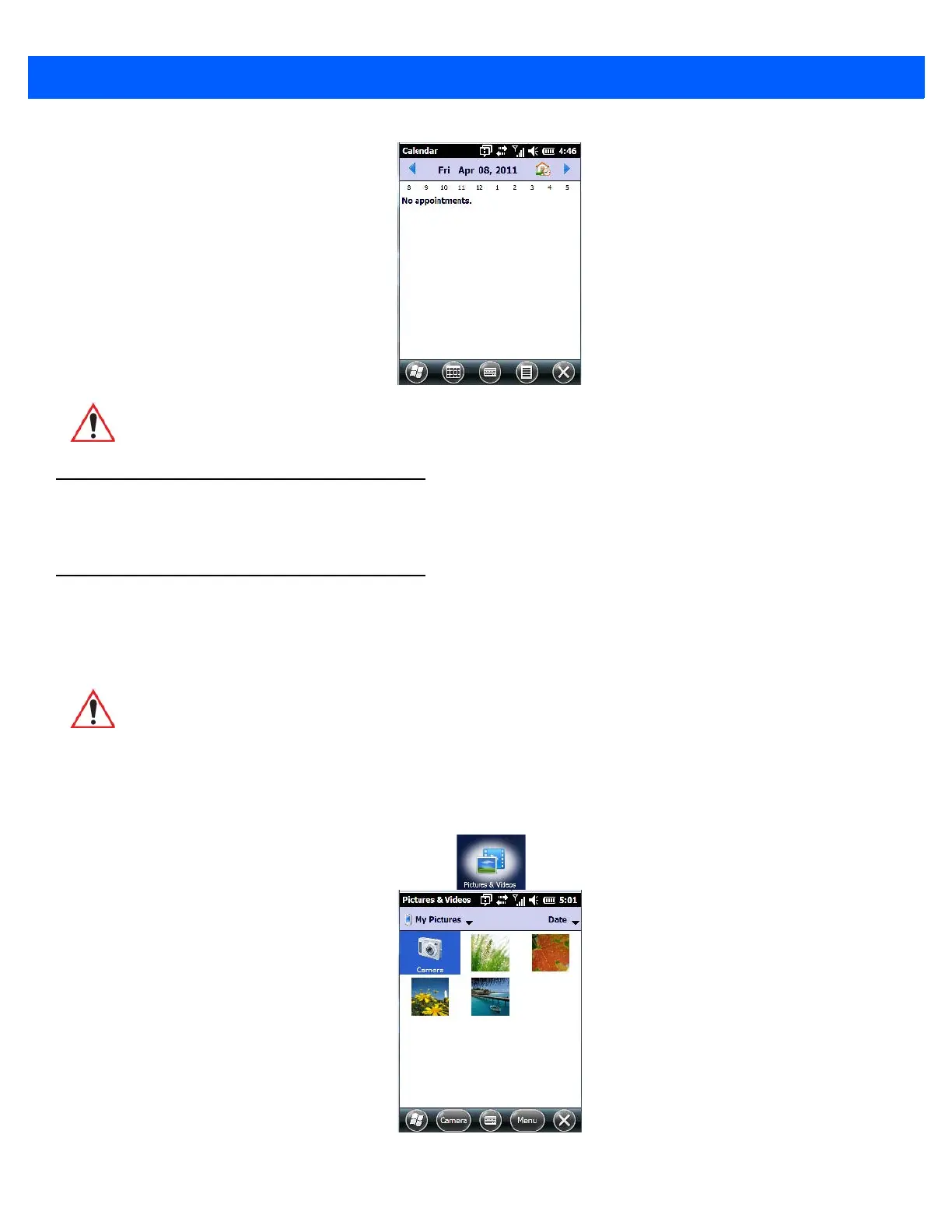
Pictures & Videos
The Pictures & Videos applet allows you to snap photographs and record video footage. It is also a photo and
video viewing program.
Using the Camera
•Tap on Start>Pictures & Videos.
IMPORTANT Refer to “Calendar of Upcoming Appointments” on page 2-20 for
details about this feature.
IMPORTANT The Pictures & Videos program can only display .bmp or .jpg for-
mats. Photos in other formats will need to be converted on your PC
before they are transferred to the Workabout Pro4.



 To Next Page