4 - 76 Workabout Pro4 (Windows Embedded Hand-Held 6.5) User Manual
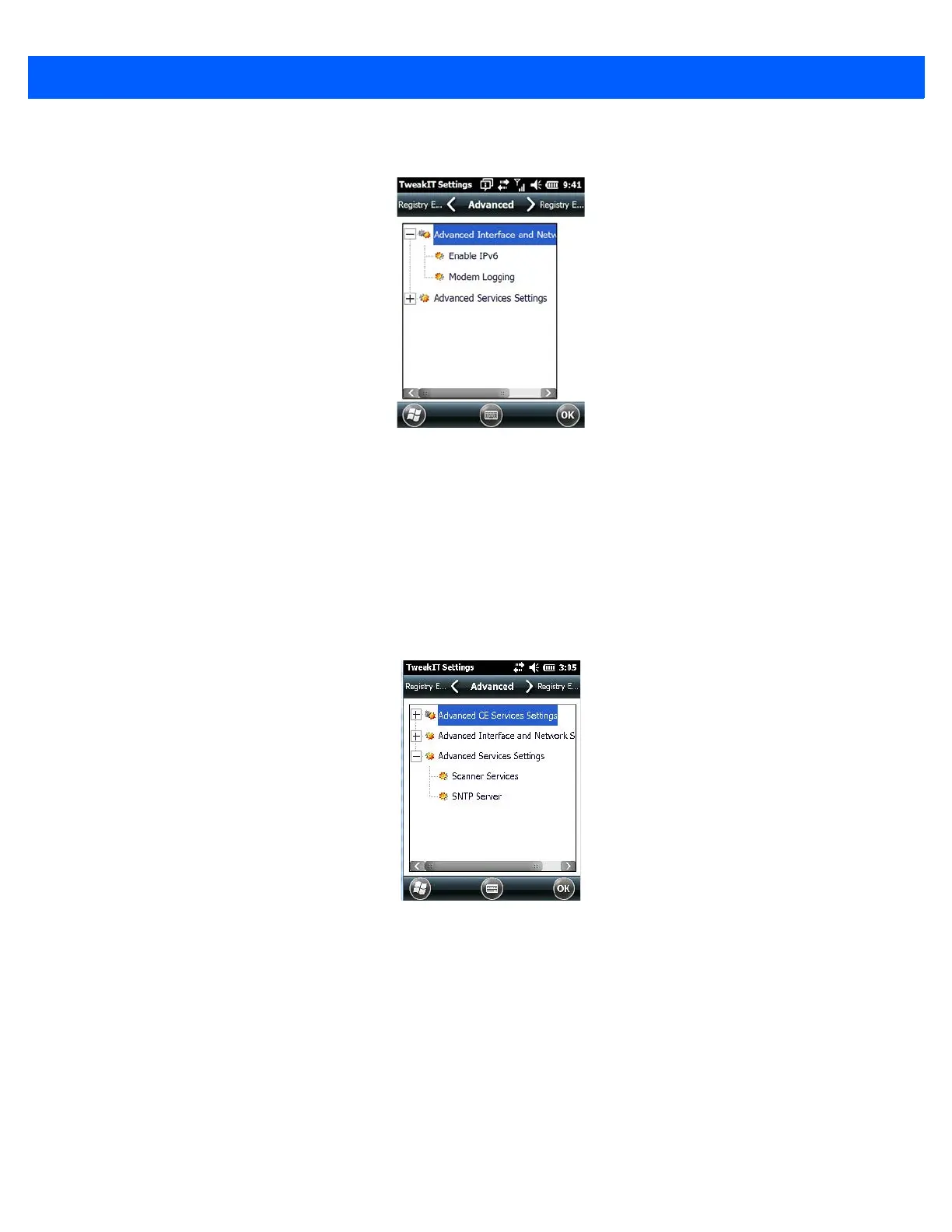
Advanced Interface and Network Settings
Enable IPv6
This option allows you to enable Internet Protocol, version 6, that has been published to use 128-bit IP address
(replacing version 4).
Modem Logging
When this option is enabled, the Workabout Pro4 logs AT commands (e.g., dial-out information, password
string, etc.) that the administrator can monitor for debugging purposes. Modem commands are stored in:
\MdmLog.txt.
Advanced Services Settings
SNTP (Simple Network Time Protocol) Server
The SNTP Server Name typed in this dialog box is used to synchronize Workabout Pro4 time with that of the
time server. A warm reset must be performed once the server name has been entered.
Registry Editor
This option is reserved for senior administrators who have a strong understanding of registry keys and values.
Careless registry editing can cause irreversible damage to the Workabout Pro4.



 To Next Page