3 - 8 Workabout Pro4 (Windows Embedded Hand-Held 6.5) User Manual
Managing Phone Settings
You can adjust phone settings such as the ring type and tone, choose phone services such as barring calls,
and you can also determine network selections.
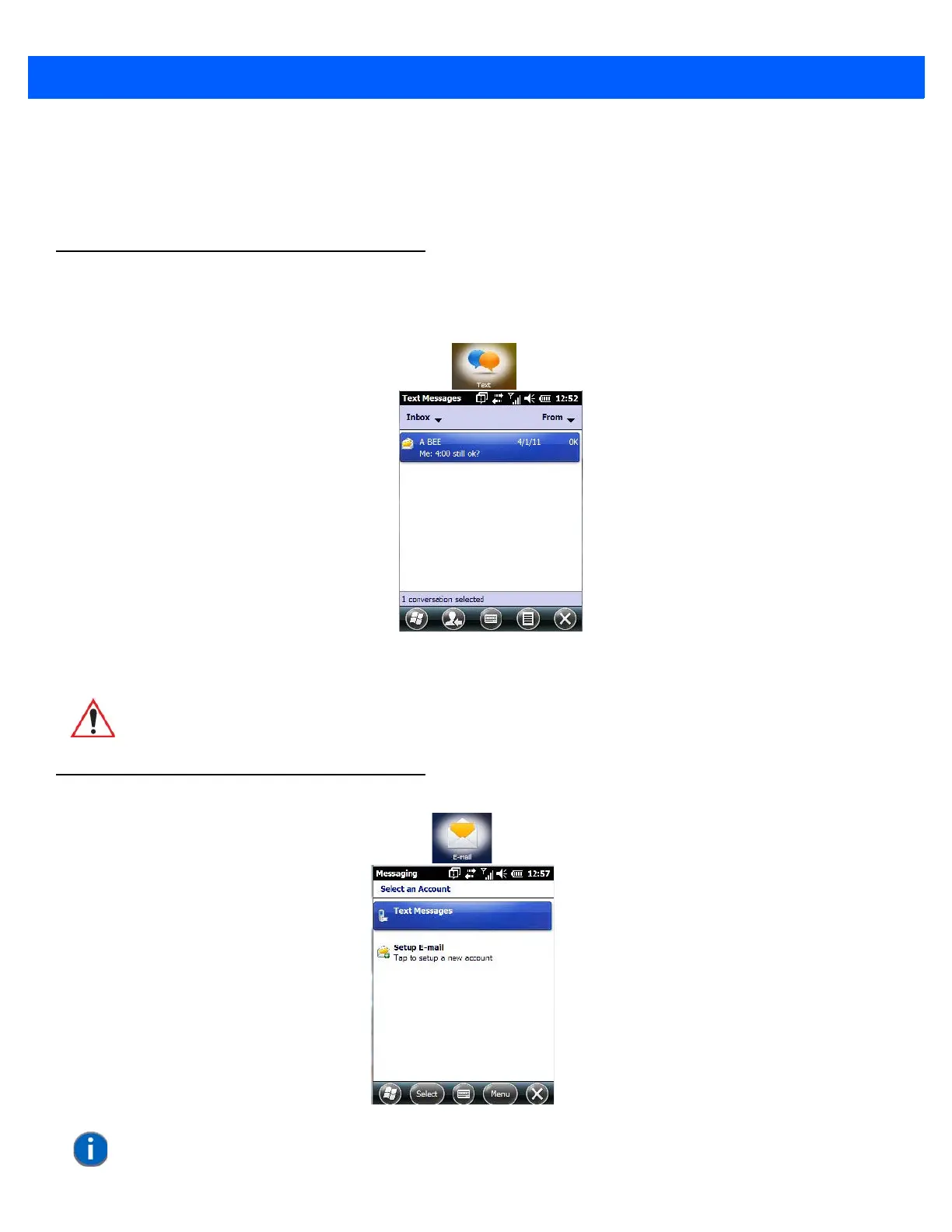
Text Messages
Tapping on the Text option in the Today screen displays this screen.
This option allows you to compose, send and receive text messages using your Workabout Pro4.
E-mail
IMPORTANT For details about using the Text Messages feature, refer to “Text
Messages” on page 2-18.
NOTE If your e-mail is already synchronized, go to “Sending an E-mail” on page 3-11.



 To Next Page