Programs 3 - 21
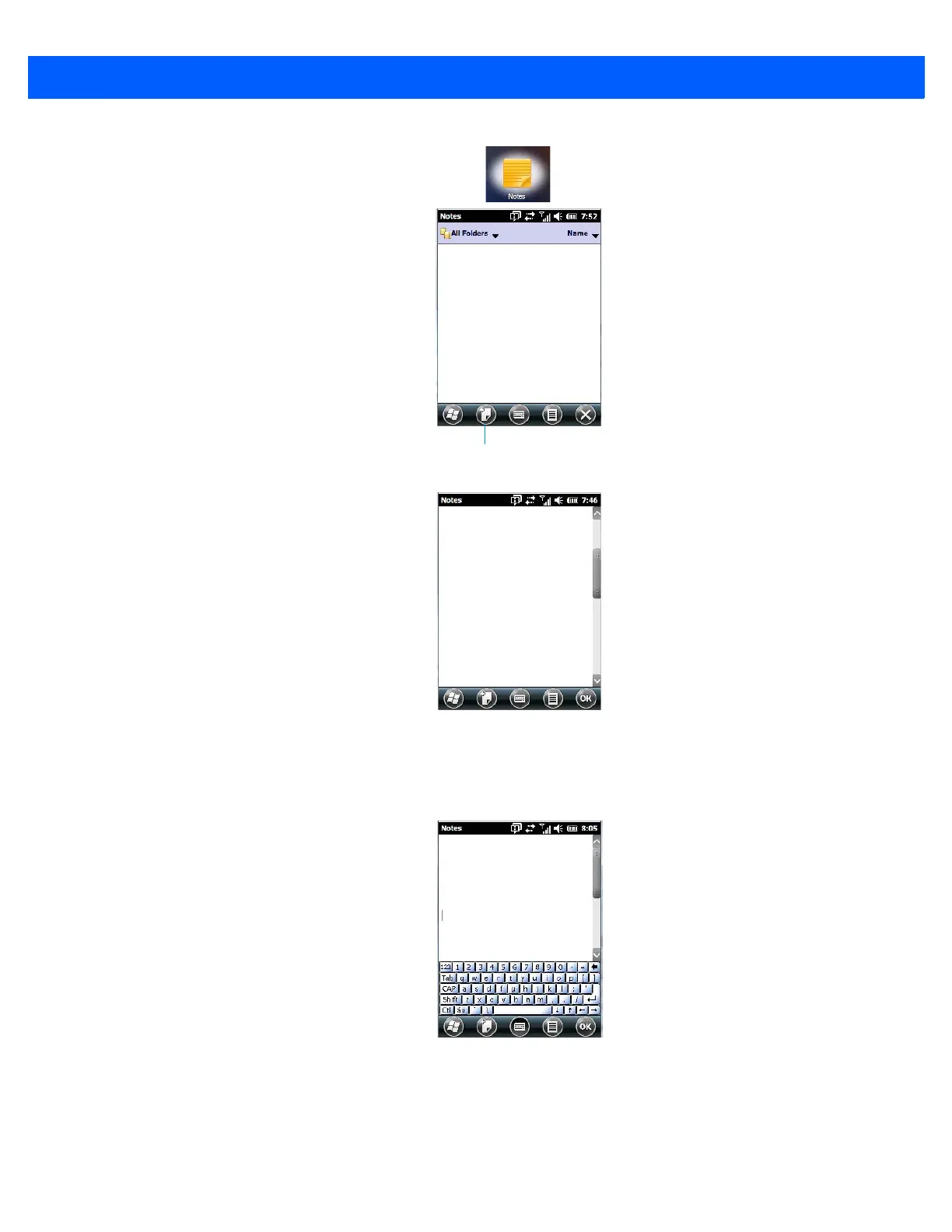
• Tap on the New softkey to display a blank note.
Creating a Note Using the Soft Keyboard
The soft keyboard icon is available by default. It is a replica of a standard keyboard. Use your stylus to type
letters, numbers, symbols and so on.
• When you’ve completed your note, tap on OK.
Your note is automatically saved. The file name is the first line of the note if you used the keyboard – otherwise,
it’s named Note1, Note2 and so on.



 To Next Page