Programs 3 - 19
Using the Video Recorder
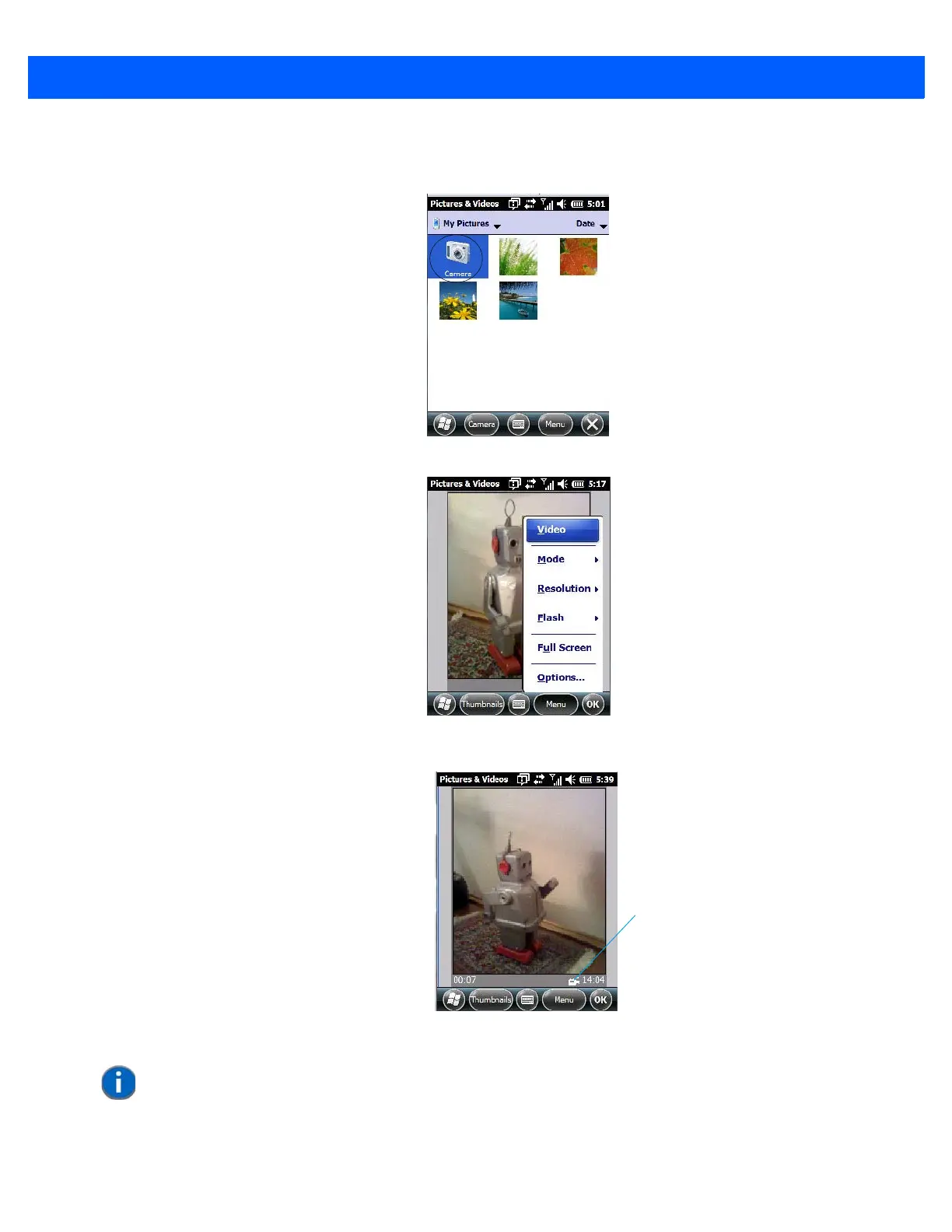
• Tap on the Camera icon.
• In the bottom-right corner of the camera screen, tap on Menu>Video.
• Press [ENTER] to begin recording.
• To end the video, press [ENTER] again, or tap on the Stop softkey.
Video Recorder Icon
Indicates that video
is active.
NOTE When the ‘Video’ recorder is activated, a Menu is available to tailor the operation
of the recorder, the quality of the recording, and so on.



 To Next Page