3 - 12 Workabout Pro4 (Windows Embedded Hand-Held 6.5) User Manual
Keep in mind that you can also use your Contacts to choose an e-mail recipient provided an e-mail address is
associated with the contact.
•Tap Menu>Add Recipient, and then choose a contact from the list.
• If you're sending an email to multiple people, use a semicolon (;) between addresses.
Contacts
Contacts are available with your e-mail, text messages, voice messages and your phone.
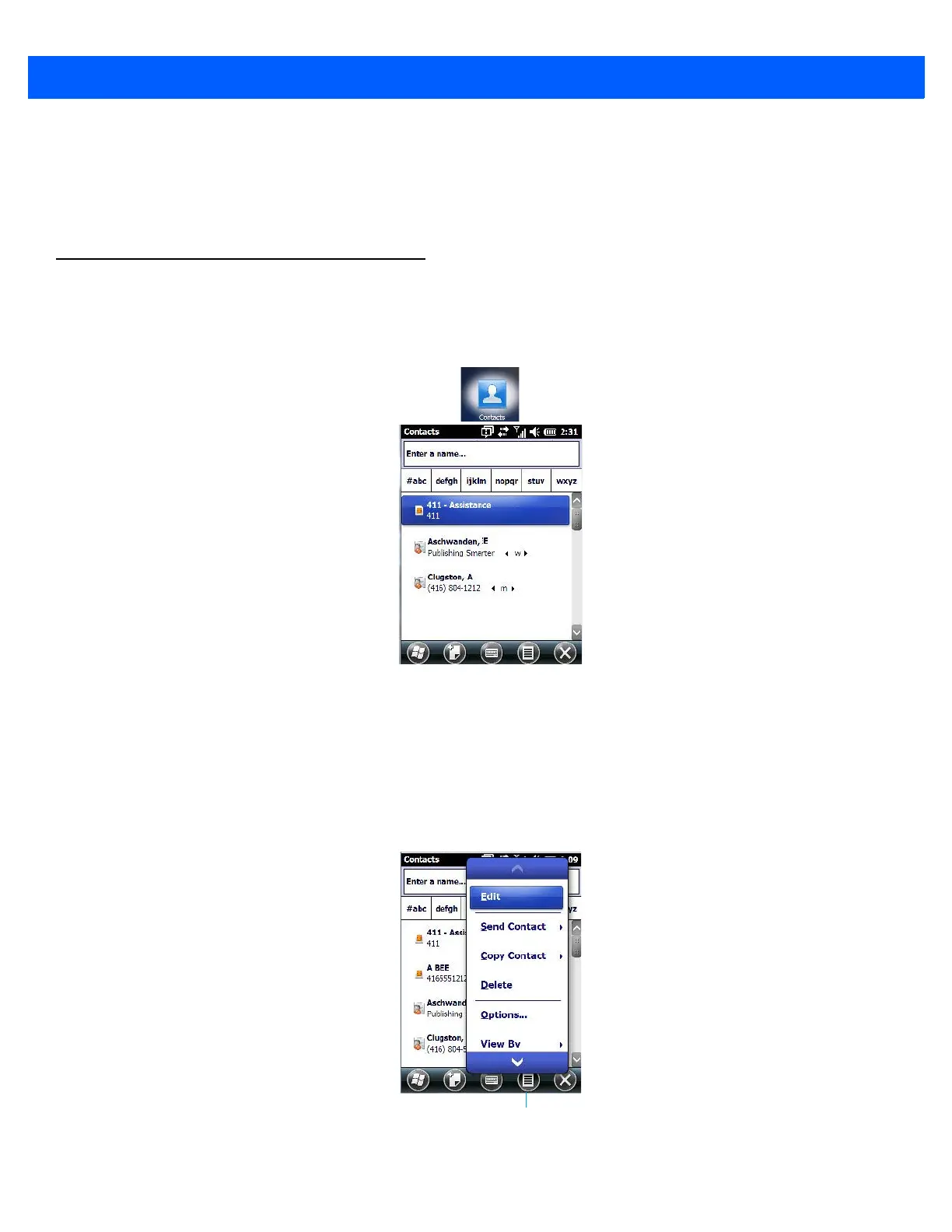
•Tap on Start>Contacts to display your contacts.
Working with the Contacts List
The Contacts screen allows you to work with existing entries, search for a particular contact and create
new entries.
Contact Menu Commands
A Menu softkey at the bottom of the screen provides additional commands that allow you to work with the
contacts in this list.



 To Next Page