Getting to Know Your Workabout Pro4 2 - 25
Renaming, Copying, and Deleting a File
• To access any of these functions, press and hold the stylus on the file you want to work with. A ring of dots
is displayed followed by a pop- up menu.
• Choose the appropriate command from the menu.
Using Menus
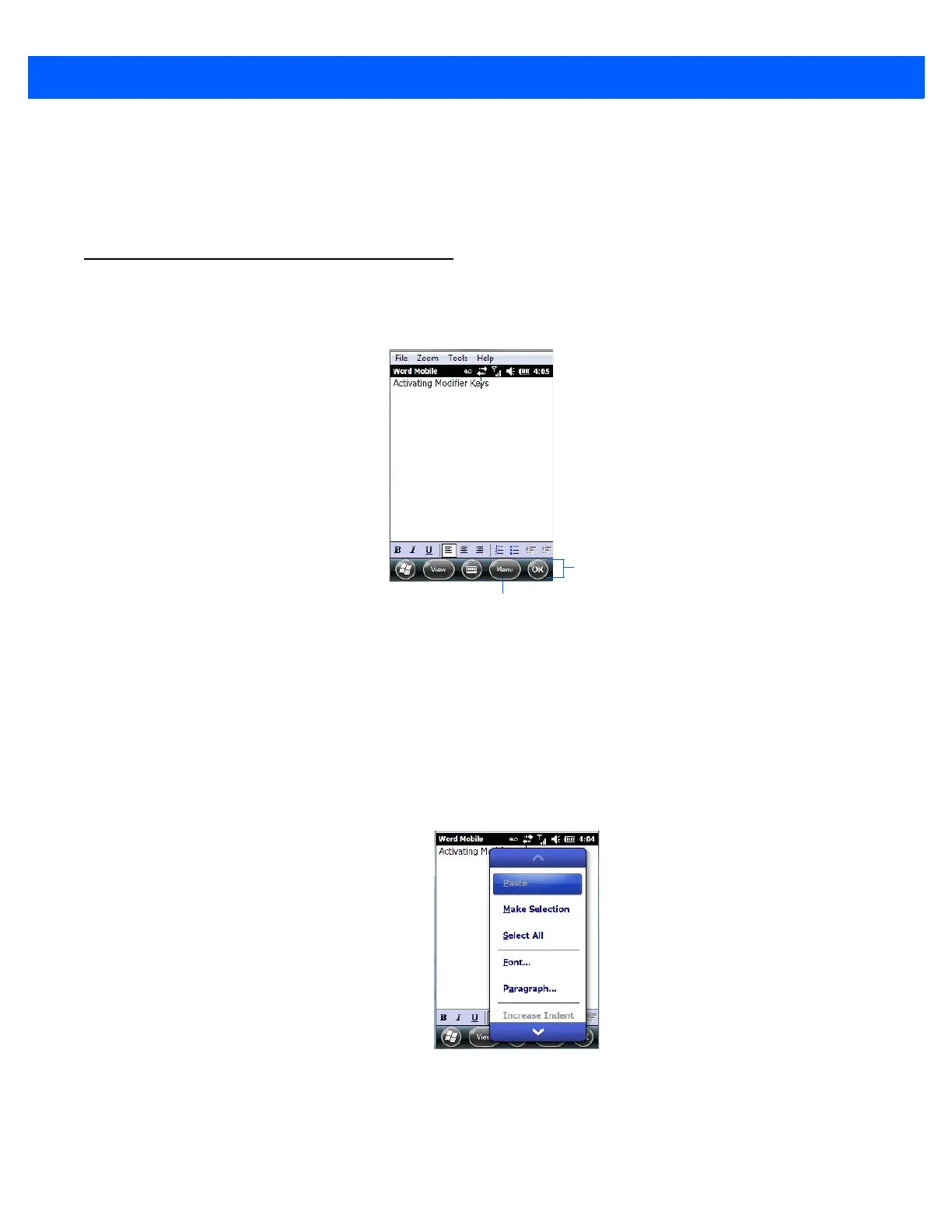
In Windows Embedded Hand-Held 6.5, the menu is located in the softkey bar at the bottom of the screen.
To execute a command:
•Tap on Menu to display the commands associated with it, and then tap on the command you want
to execute.
Pop-Up Menus
Pop-up menus are available in many screens and programs. They offer quick access to a group of useful
commands in addition to those available in the menu bar. To display a pop-up menu:
• Gently press and hold the stylus on the screen. A ring of dots is displayed on the screen followed by a
pop-up menu.
• Tap on the command you want to execute.



 To Next Page