Wireless Zero Config Settings C - 5
• Key Index: This field becomes available if you deselect The key is automatically provided. This field is
used to identify the WEP key.
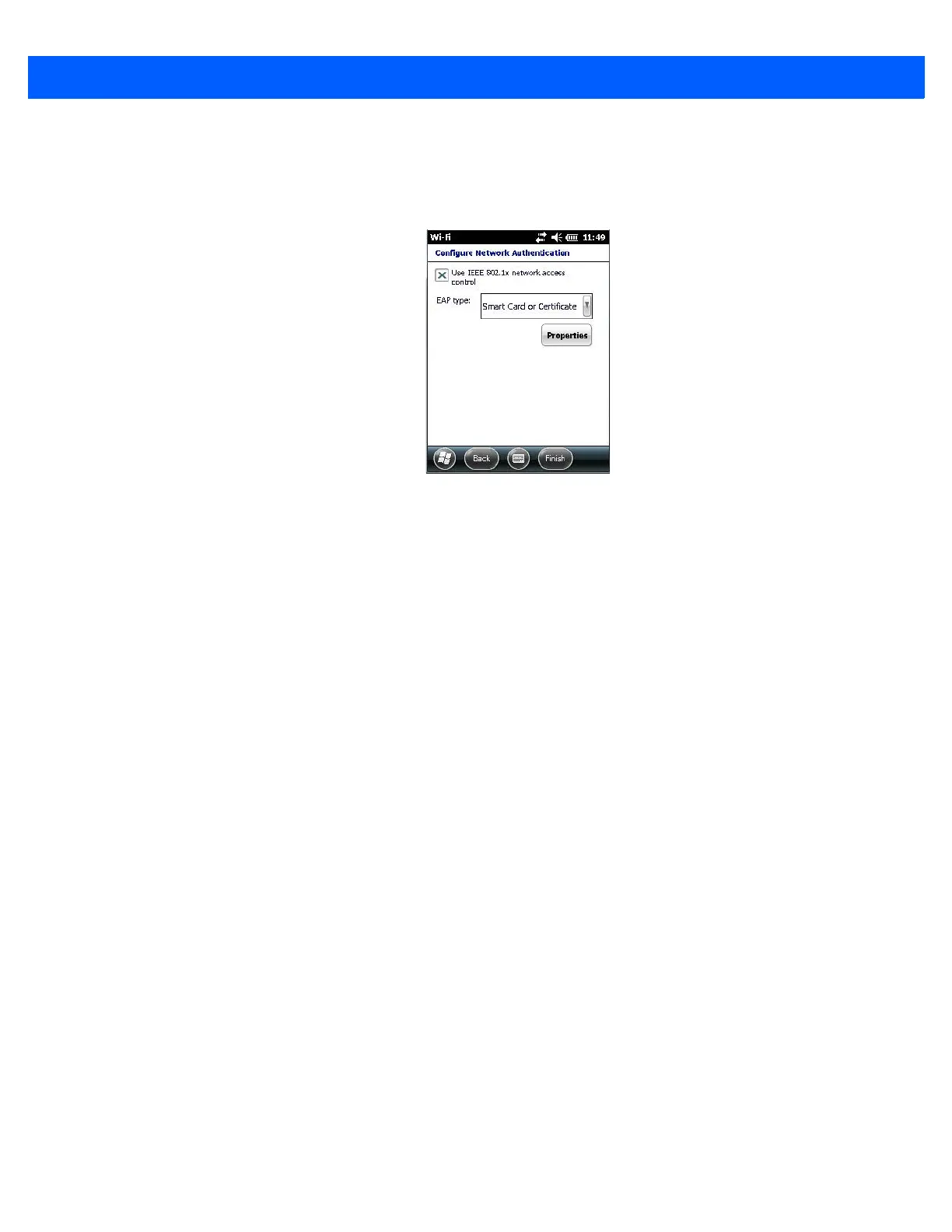
•Tap on Next to display the screen in which you can choose the EAP (Extensible Authentication Proto-
col) type.
When Use IEEE 802.1x network access control is enabled, EAP types are available in the drop-down menu.
The items will vary depending on your network setup.
Keep in mind that some authentication protocols require that you select a Certificate. By tapping on the Proper-
ties button, you can select a Certificate.
•Tap on Finish when the configuration is complete.



 To Next Page