Programs 3 - 25
• Press [ENTER] to add the task to your list.
Editing a Task
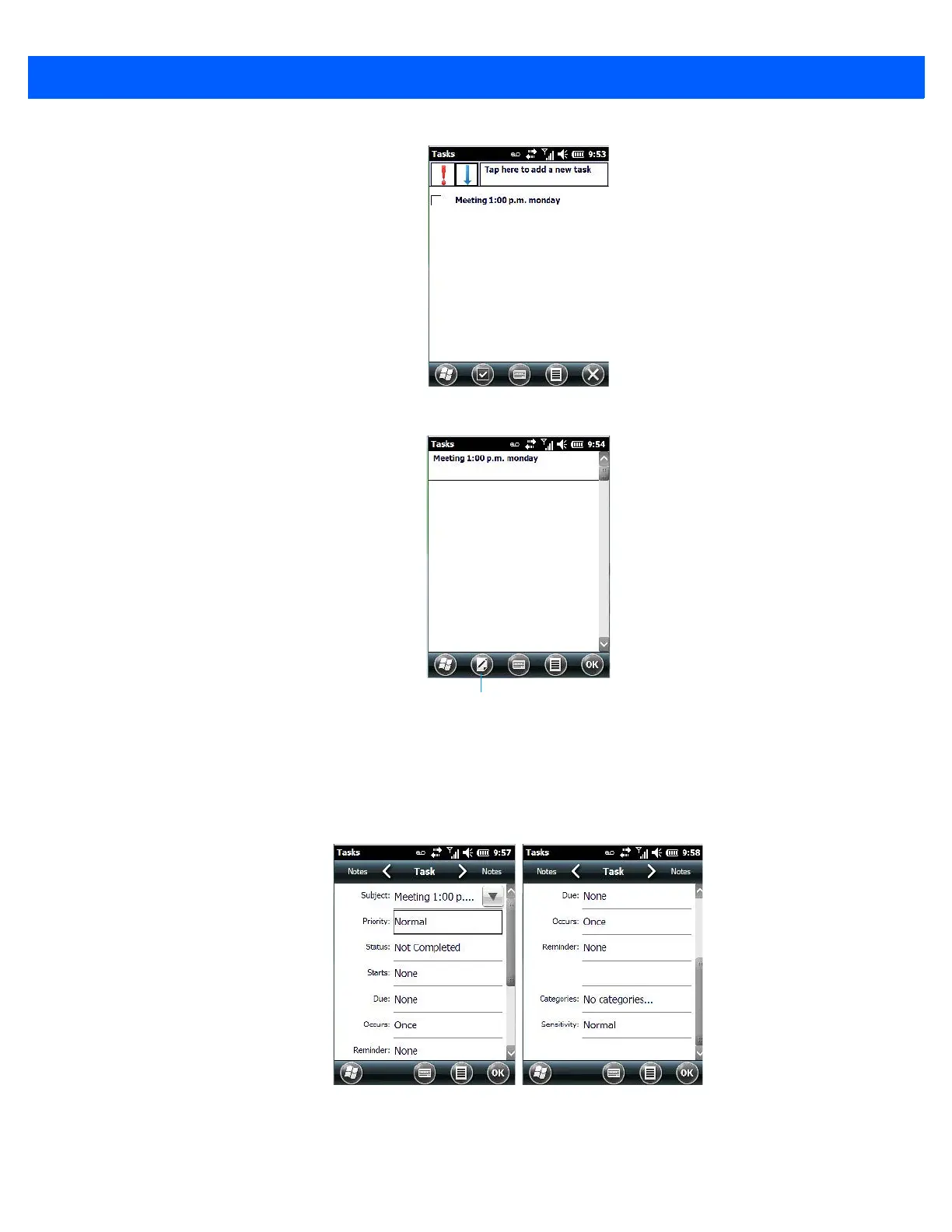
• Tap on a task in the task you want to edit. Tap on the Edit softkey in the softkey bar to display a detailed
task screen where you can define task characteristics.
Figure 3-1
Task Details Screen
Each of the nine items in this screen, when tapped, displays a drop-down menu where you can choose from a
list of options.
• Once you’ve completed all the appropriate fields, tap on OK to save your changes.



 To Next Page