3 - 32 Workabout Pro4 (Windows Embedded Hand-Held 6.5) User Manual
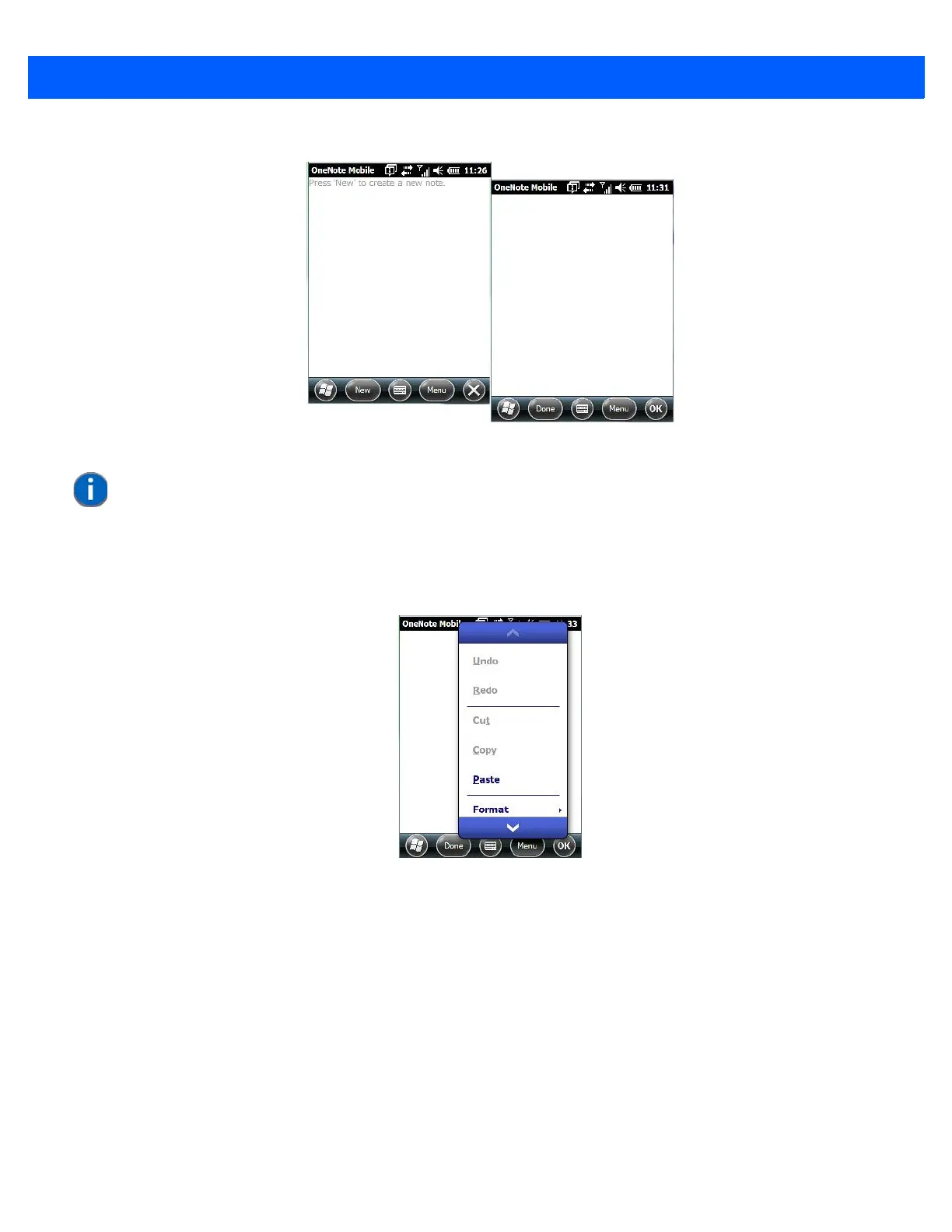
•Tap on New to create a note page. Begin typing.
• When you complete your note, tap on Done.
Using the OneNote Menu
Tapping on Menu displays a list of options to help you work with the OneNote Mobile applet.
• Undo, Redo, Cut, Copy and Paste: These commands operate in the same way as they do in any
Windows Office application.
• Format: Tapping on this command lists the formatting options you can apply to your note: Bold, Italic,
Underline, Strikethrough and Clear All.
• Take Picture: When you tap on this option, the Workabout Pro4 switches to camera mode so that you can
snap a picture to include in your note.
NOTE Remember that you can tap on the Menu softkey to Undo typing, add Formats
(Bold, Italic, Underline, Strikethrough), and include Lists (Numbered, Bulleted,
Clear).



 To Next Page