5.2.6 START
Start the program that has been selected. Holding it for 3-second during a running cycle, the
cycle will be terminated.
5.2.7 “IN” indicator
Low water indicator, it will illuminate when the distilled water level is too low, to warn you that
water should be added in (distilled water is still enough for this running cycle). (6.2)
5.2.8 “OUT” indicator
Full water indicator, it will illuminate when the waste water tank is full, to warn you that water
should be drained out. (6.3)
5.2.9 CUSTOM PROGRAM
Press all the programs, and then all program indicators will illuminate. Holding PROG. button
to enter bluetooth print interface, and press it again, to enter custom program as below:
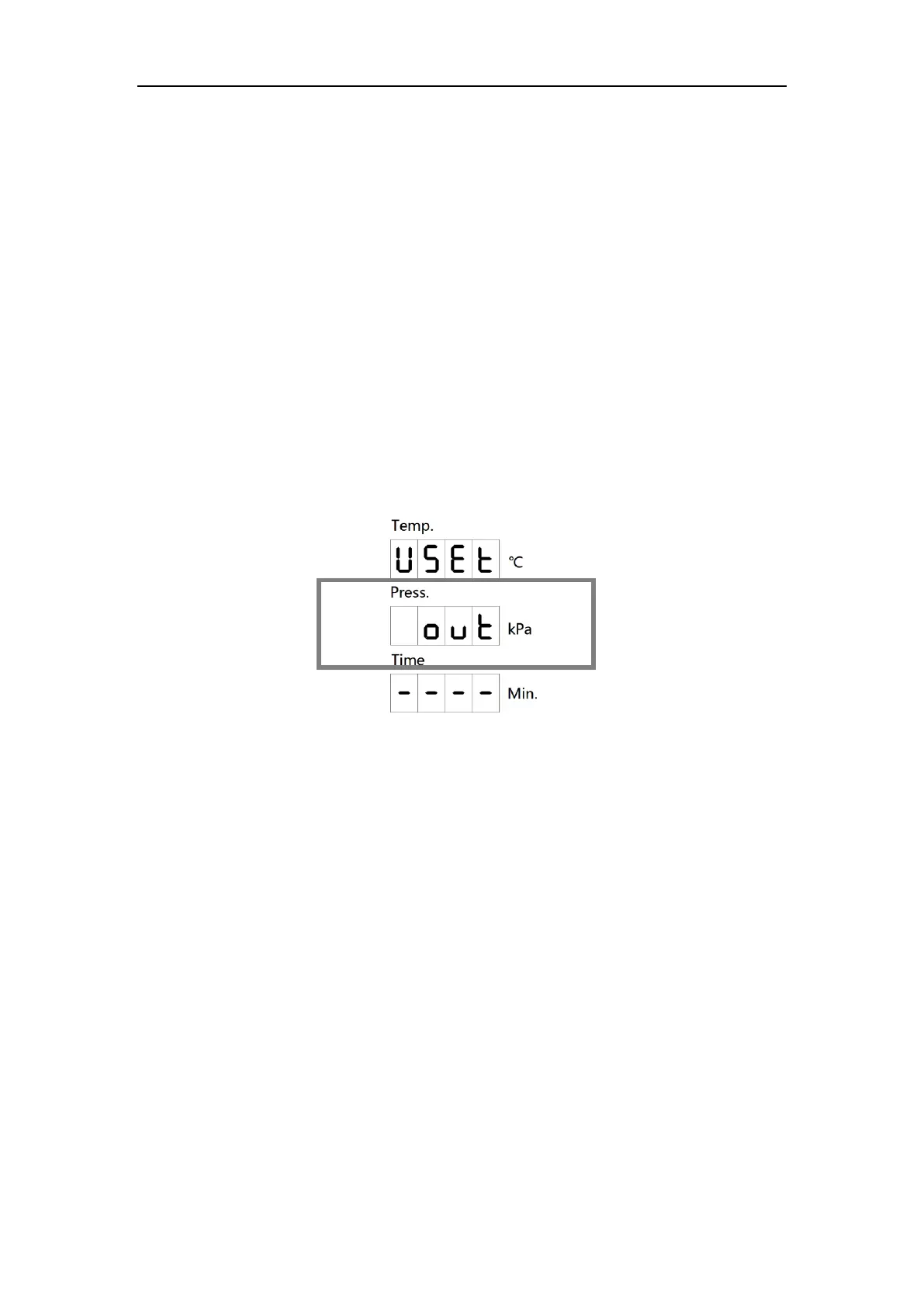
There are five statuses in the second line:
- tE (sterilization temperature);
- St (sterilization time, adjustable 20~60mins for 121℃, 4~20mins for 134℃);
- dr (drying time, adjustable 0~60mins);
- UA (vacuum times, 1 time & 3 times & 5 times can be chose);
- out (quit);
Press TEST button to switch statuses;
Press PROG. button to add count & confirm;
Press START button to minus count.


 To Next Page