Chapter 6 Operation Process
6.1 Switching On
Please connect the power line before you start the operation.
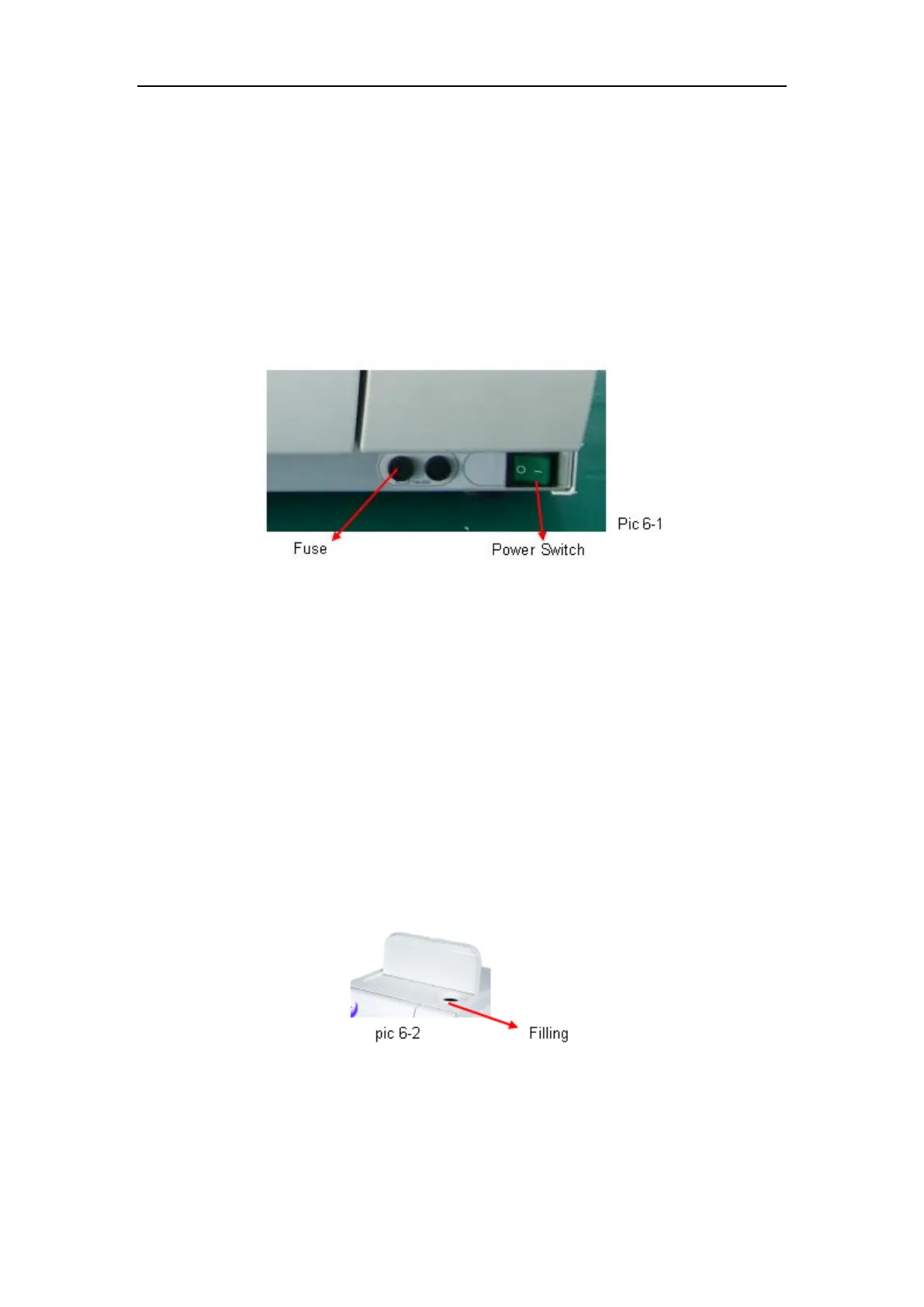
Open door before turning on the sterilizer, showing flickering “LD” on the state display window.
If it indicates “Do”, even you push start button it will not work. (pic 6-1)
ATTENTION: If you did not operate the panel more than 40secs, the screen will be off
automatically for saving power. It will resume when you press any button.
6.2 Distilled Water Adding
Switching on sterilizer, if the “IN” indicator illuminated, it means the distilled water in the water
tank is of its lowest level and you have to add water in. And even press ”START” button, it will
not work either, so you need to add distilled water until the indicator light off.
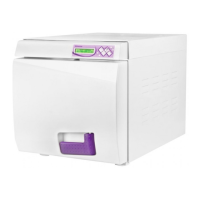
Fill in distilled water from the top of sterilizer. ( pic 6-2)
CAUTION: Use distilled water only to extend the life time of sterilizer.
Do not tilt the sterilizer when the reservoir is full of water.


 To Next Page