EVOM™ Manual
World Precision Instruments 19
Storing Data on a Connected PC
Before storing EVOM™ data les on a connected computer, the EVOM™ Manual
must be connected to the computer and the EVOM™ Companion Application must be
running on the computer. See "Starting the EVOM™ Companion Application" on page
20.
1. If you selected the
APP Save
option (Store Options screen) and pressed the
Store
button on the main screen or the
Store Now
button on the Store Options screen,
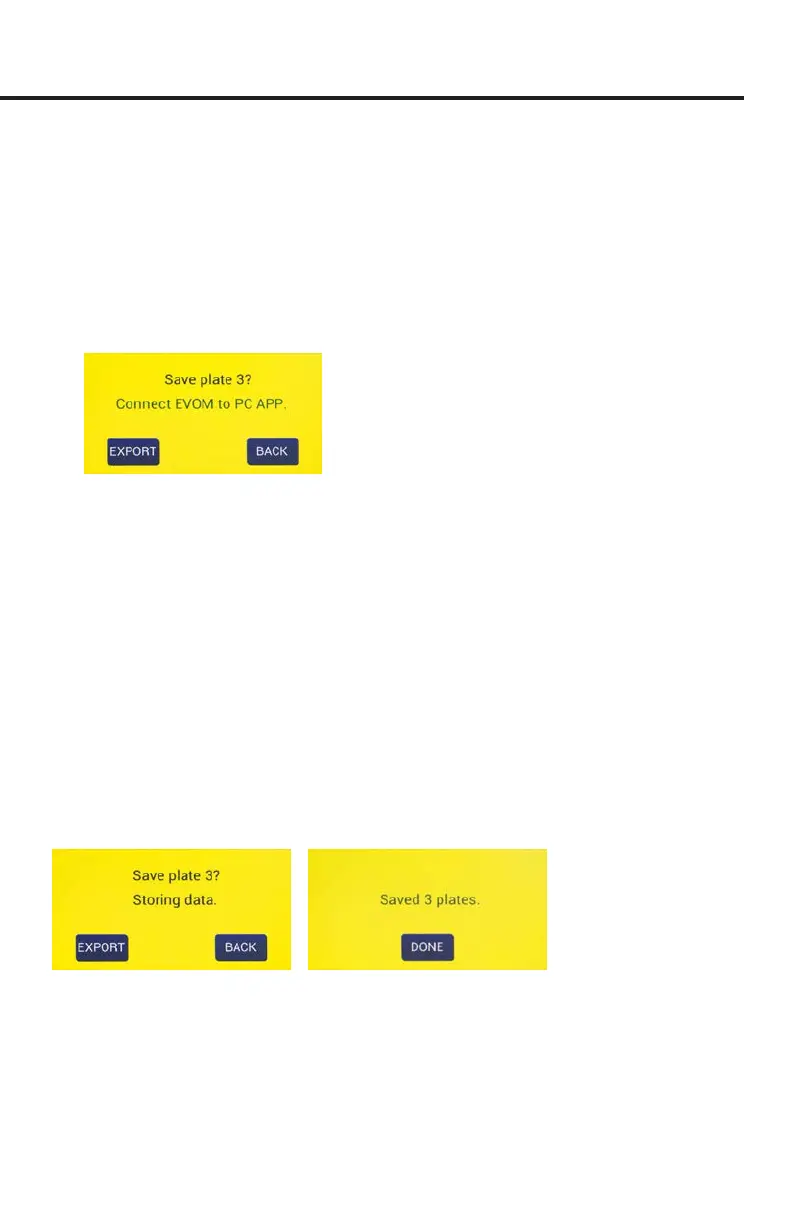
a prompt appears asking you to connect to the Companion Application (Fig. 29).
Fig. 29—Verify that the EVOM™ Manual is connected to the EVOM™ Companion Application
running on the computer.
2. Select one of the options as follows:
•
Export
starts the storage of all the plate les. When you select it, a message
appears describing which plate is being stored (Fig. 30). The number of plates
could be one, two or three, depending on how many were collected before
exporting.
•
Next
is available on plate 1 and 2, but not on plate 3. It returns you to the
main screen so you can take measurements of the next plate which starts
from a clear state. The note above the
Setup
button on the main screen
indicates which plate data is being collected (Fig. 5).
NOTE: If you are on plate 3, the
Next
button does not appear, because EVOM™
Manual’s memory only holds data from three plates.
•
Back
returns you to the main screen (Data Collection). You go back to the rst
well of the current plate being collected and can acquire data.
Fig. 30—(Left) The message changes showing which plate is being saved. Here Plate 3 data
is being stored on the connected computer.
Fig. 31—(Right) All three plates were saved to the connected computer.
3. When the plate data has been saved, a conrmation message appears (Fig. 31).
Press the
Done
button to return to the main screen.
NOTE: EVOM™ Manual has a time out in case the PC is not connected or the EVOM™



 To Next Page