Registering Your Printer
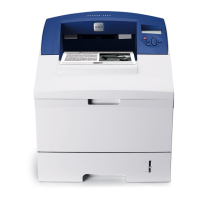
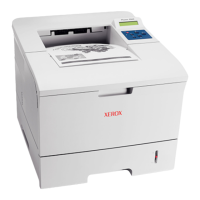
Phaser® 3500 Laser Printer
11
3. Right-click the icon for your printer and select Printing Preferences.
4. Select the Troubleshooting tab.
5. Click the drop-down arrow in the Printer Information Pages field to view the list of
options.
6. Select PCL Font List or PostScript Font List from the drop-down list.
7. Click Print.
Registering Your Printer
Registering your printer is quick and easy. You can register your printer using one of the
following methods:
Mail the registration card that came with your printer
Fill out the online form at www.xerox.com/office/register
Registering your printer provides you with updates and news about your printer.












 To Next Page