Loading Paper
Phaser® 4510 Laser Printer
3-14
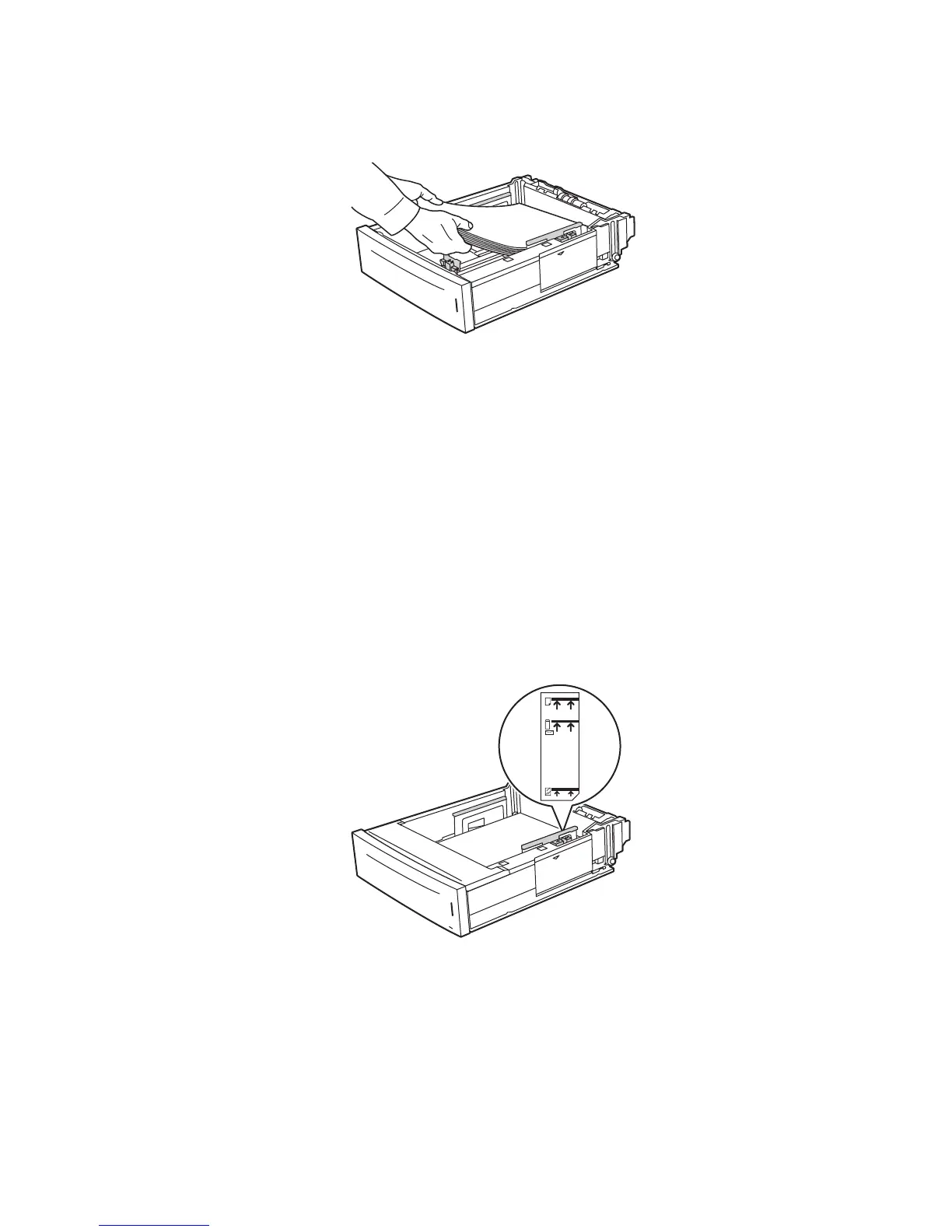
5. Insert paper into the tray.
If you are using preprinted or prepunched paper, follow these guidelines:
■ For single-sided printing, place the side to be printed faceup with the top of the
paper entering the printer first.
■ For 2-sided printing, place the first side to be printed facedown with the bottom of
the page entering the printer first. For more information on 2-sided printing, see
Printing on Both Sides of the Paper on page 3-23.
■ For prepunched paper, place the paper with the holes toward the right side of the
tray.
Caution: Do not load paper above the fill line indicated on the tray. Overloading the tray
may cause jams. The top fill line indicates the maximum fill line for paper. For more
information on the tray fill lines, see Loading Paper Guidelines on page 3-7.
4510-077
4510-078
















 To Next Page