Loading Paper
Phaser® 4510 Laser Printer
3-15
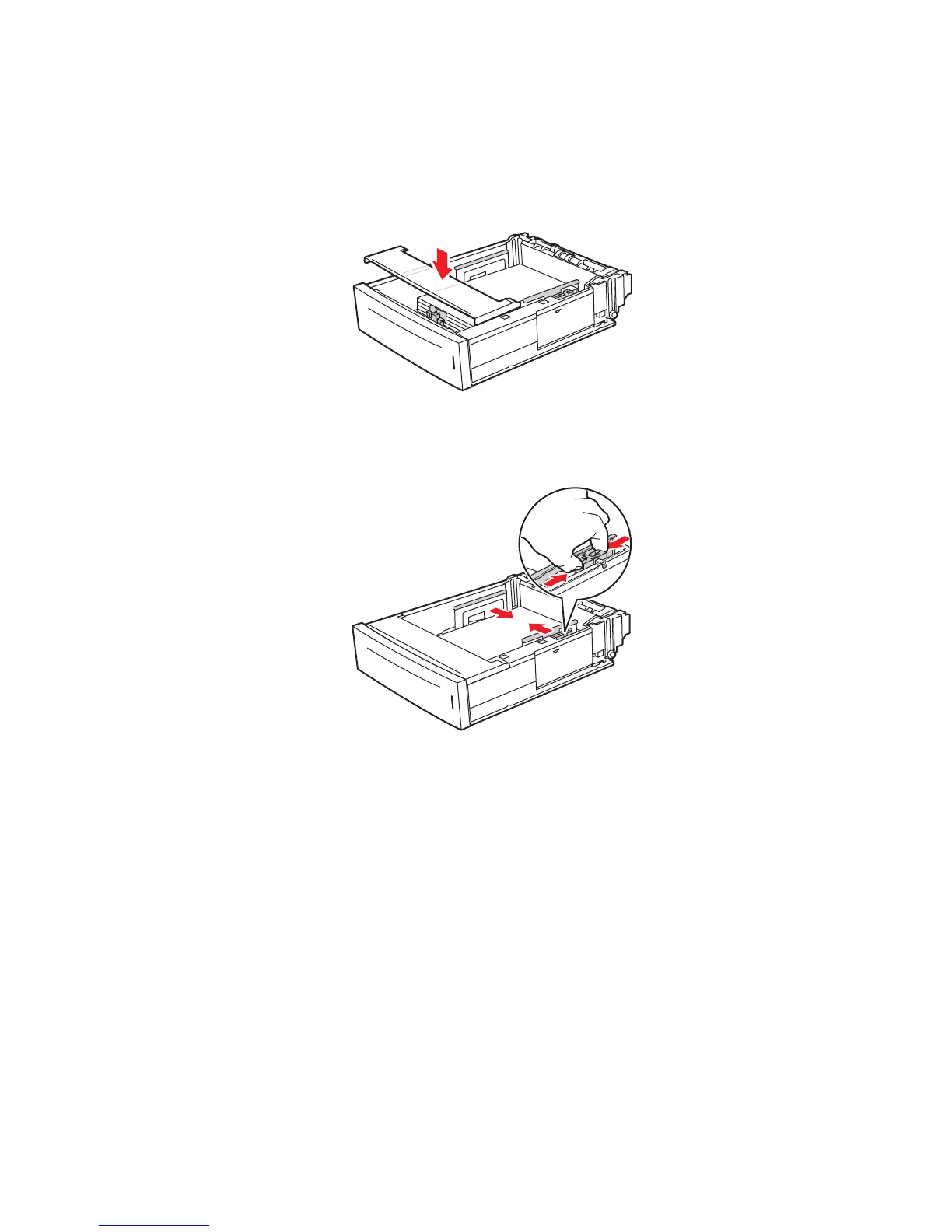
6. If you removed the cover to load the paper, replace it when you have finished loading.
Caution: If the lid is not replaced, the paper might be misaligned and cause a paper jam.
7. If necessary, press the paper guides inward to fit the paper.
Note: When the paper guides are adjusted correctly, there may be a small space between
the paper and the guides.
4510-100
4510-074
















 To Next Page