Printing on Specialty Media
Phaser® 4510 Laser Printer
3-29
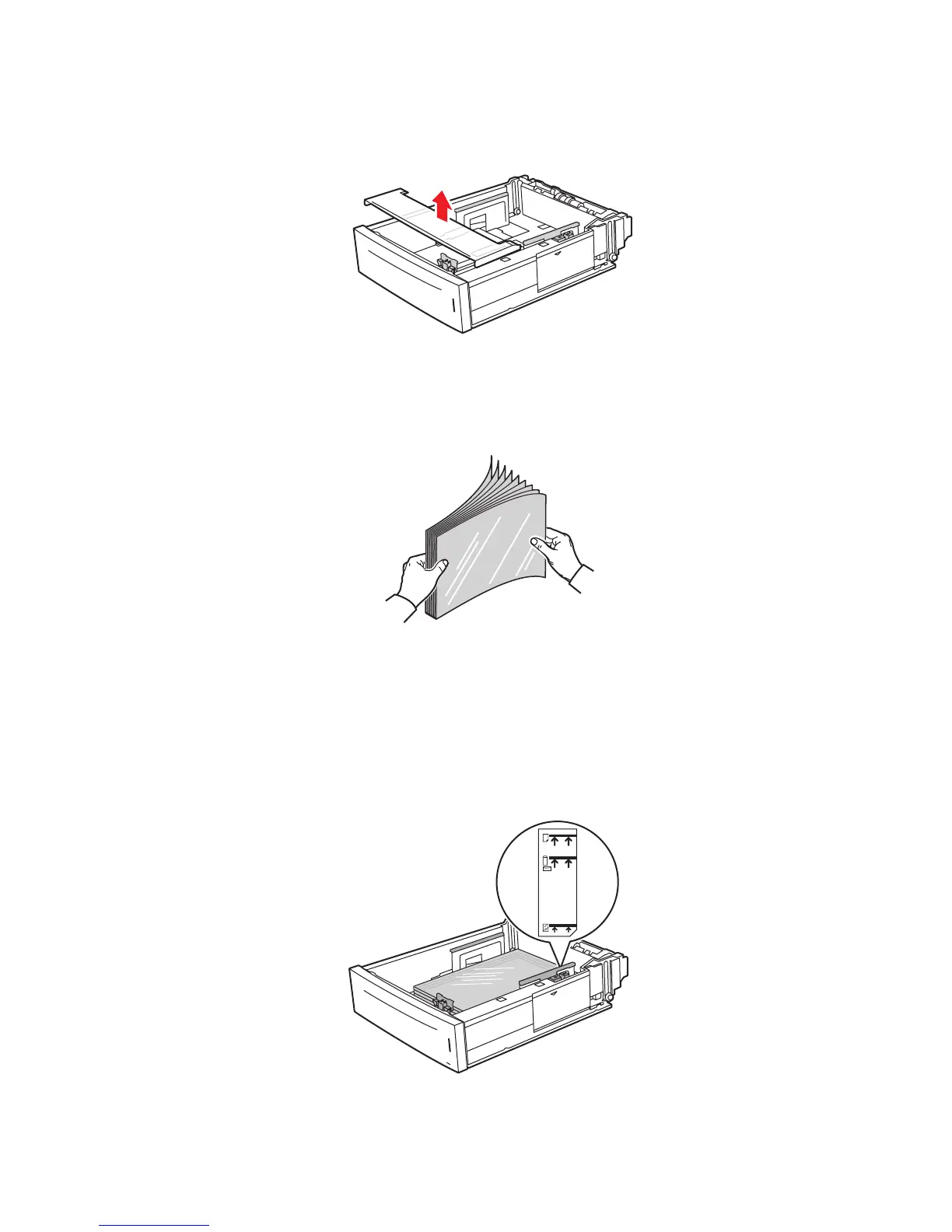
2. Remove the lid from the tray.
3. Remove all media from the tray.
4. Fan the transparencies to release sheets that are stuck together.
5. Insert the transparencies into the tray.
Caution: Do not load transparencies above the lower fill line indicated on the paper tray.
Overloading the tray may cause jams. In the following illustration, 2 indicates the
maximum fill line for transparencies.
4510-098
6360-047
4510-105
2
1
















 To Next Page