Printing on Specialty Media
Phaser® 4510 Laser Printer
3-30
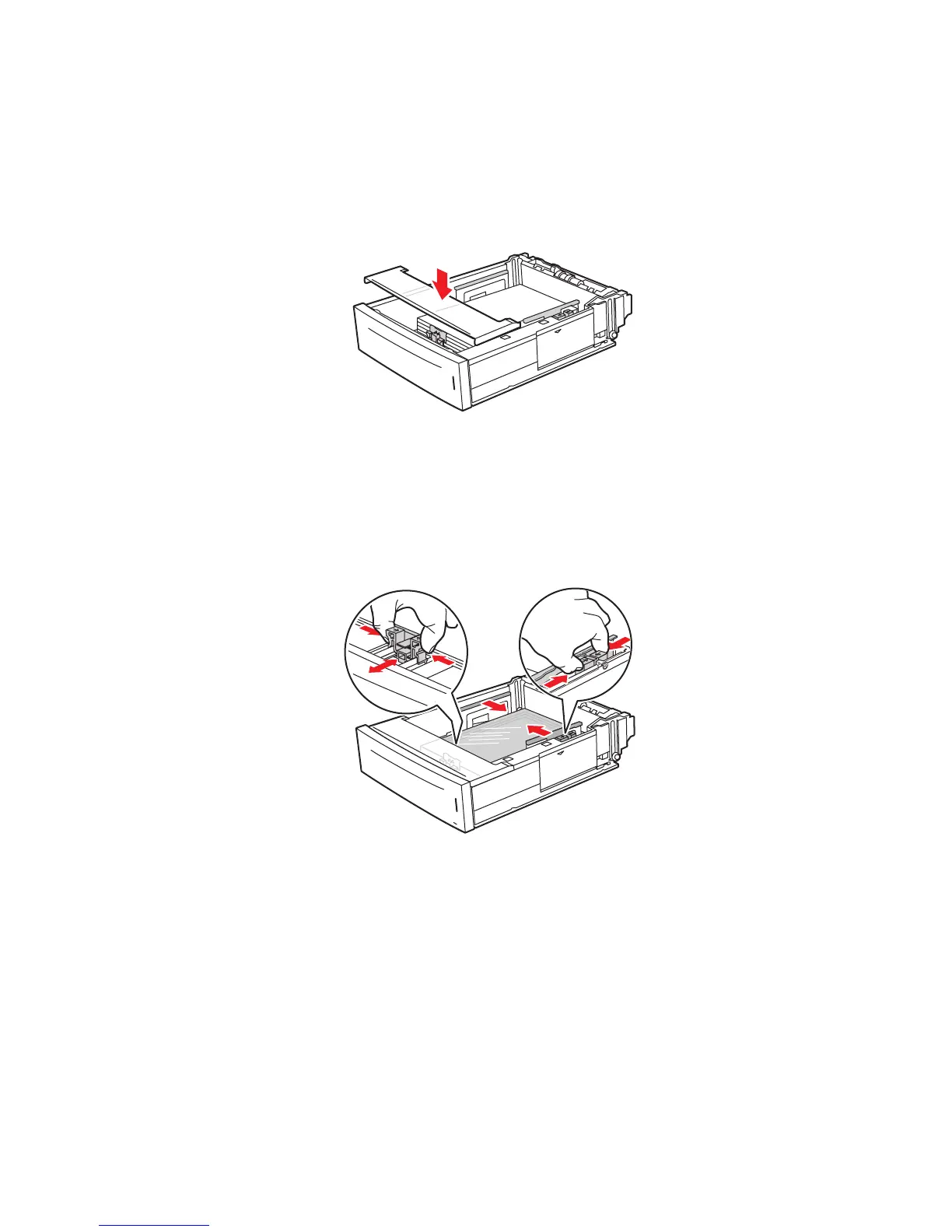
6. Replace the lid on the tray.
Caution: The lid of the tray must be firmly closed. If not, the transparencies may become
misaligned and cause a jam.
7. If necessary, press the guides inward to fit the transparencies.
Note: When the paper guides are adjusted correctly, there may be a small space between
the transparencies and the guides.
4510-100
4510-106
















 To Next Page