Printing on Specialty Media
Phaser® 4510 Laser Printer
3-39
Printing Labels from Trays 2–4
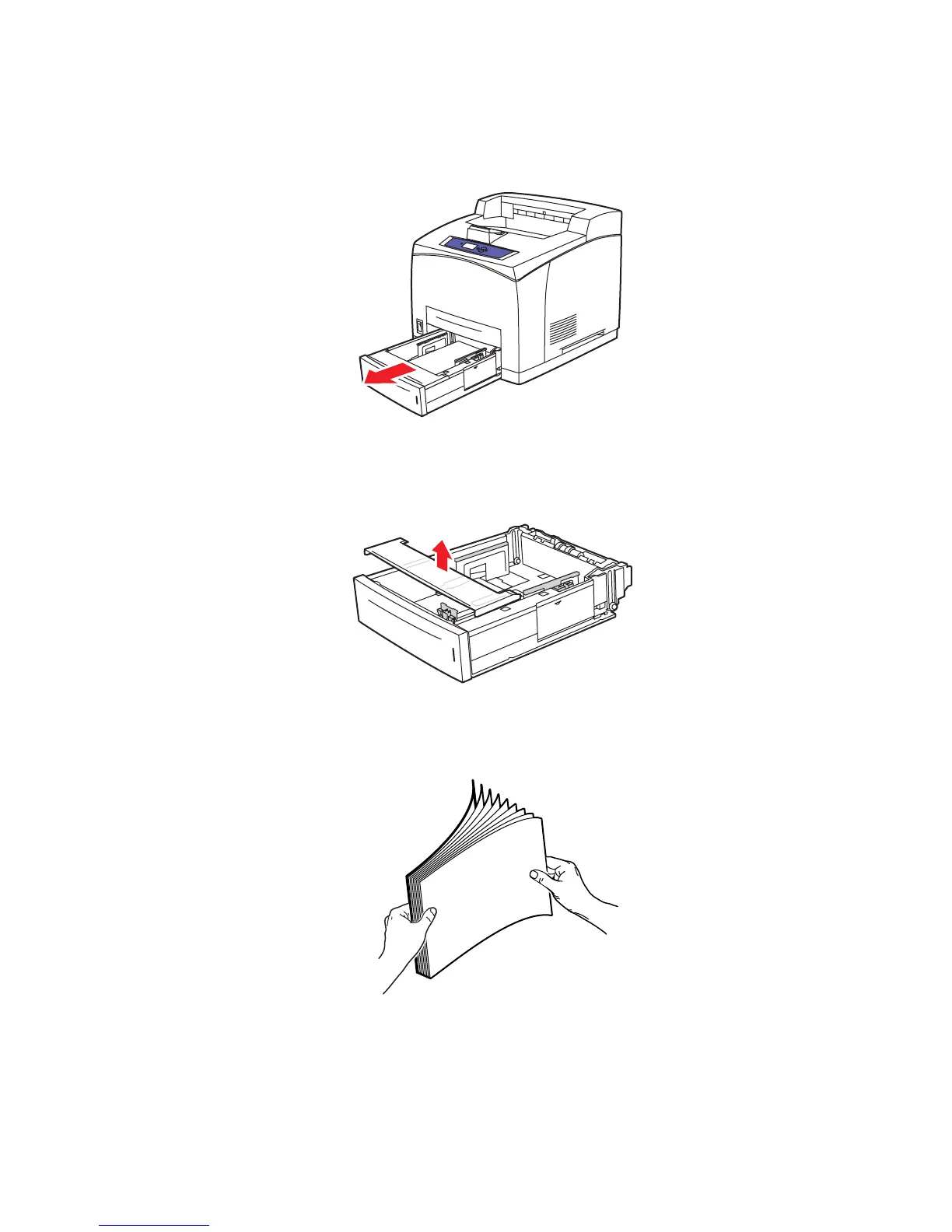
1. Pull the tray completely out of the printer.
2. Remove the lid from the tray.
3. Fan the labels to release sheets that are stuck together.
4510-089
4510-098
















 To Next Page