Troubleshooting
122 Phaser 6700 Color Printer
User Guide
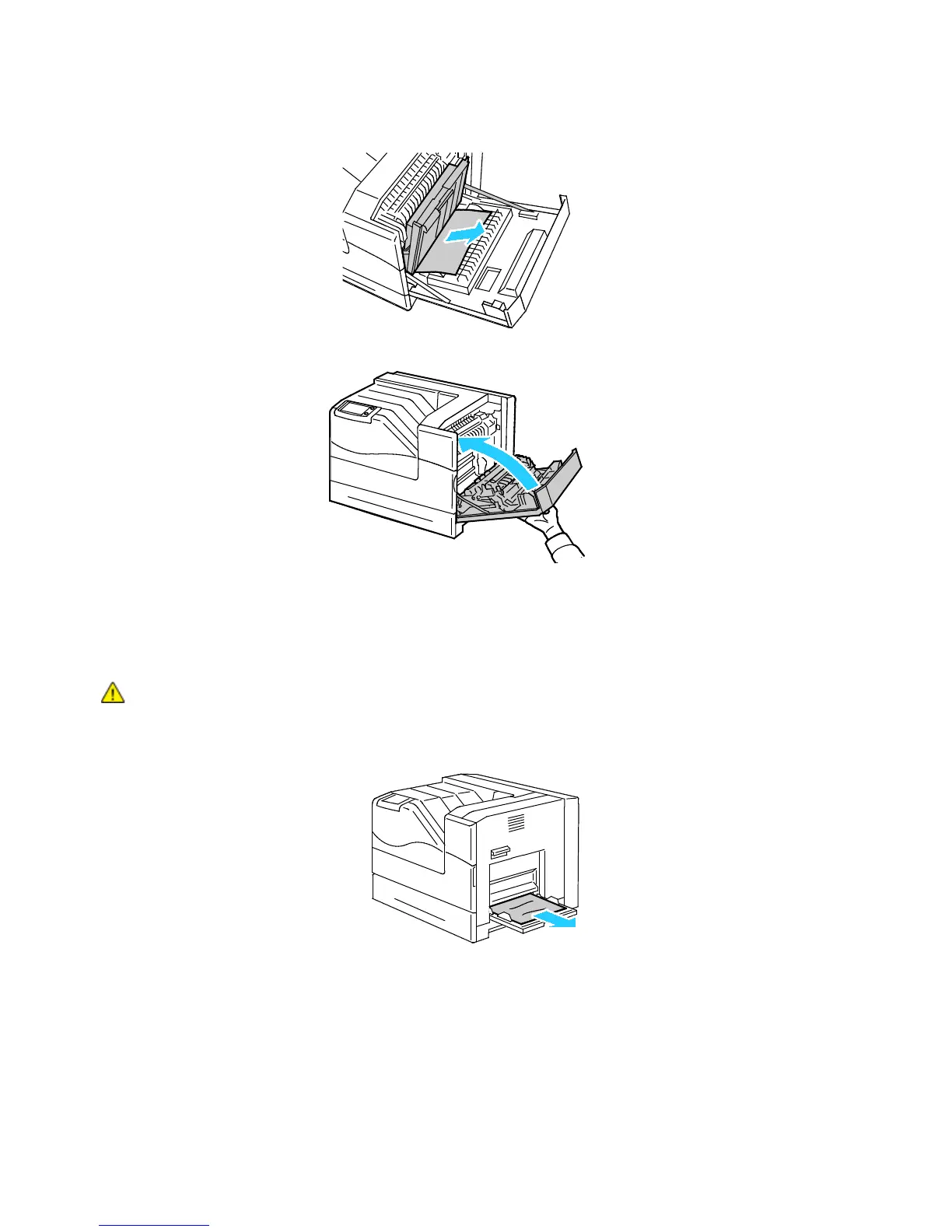
5. Remove any paper from the duplex unit.
6. Close the right side door.
Clearing Jams at the Fuser
To resolve the error displayed on the control panel you must clear all paper from the paper path.
WARNING: To avoid burns, do not clear paper jams immediately after printing. The fuser becomes
hot during use.
1. Remove any paper from Tray 1.


 To Next Page
 Loading...











