Maintenance
76 Phaser 6700 Color Printer
User Guide
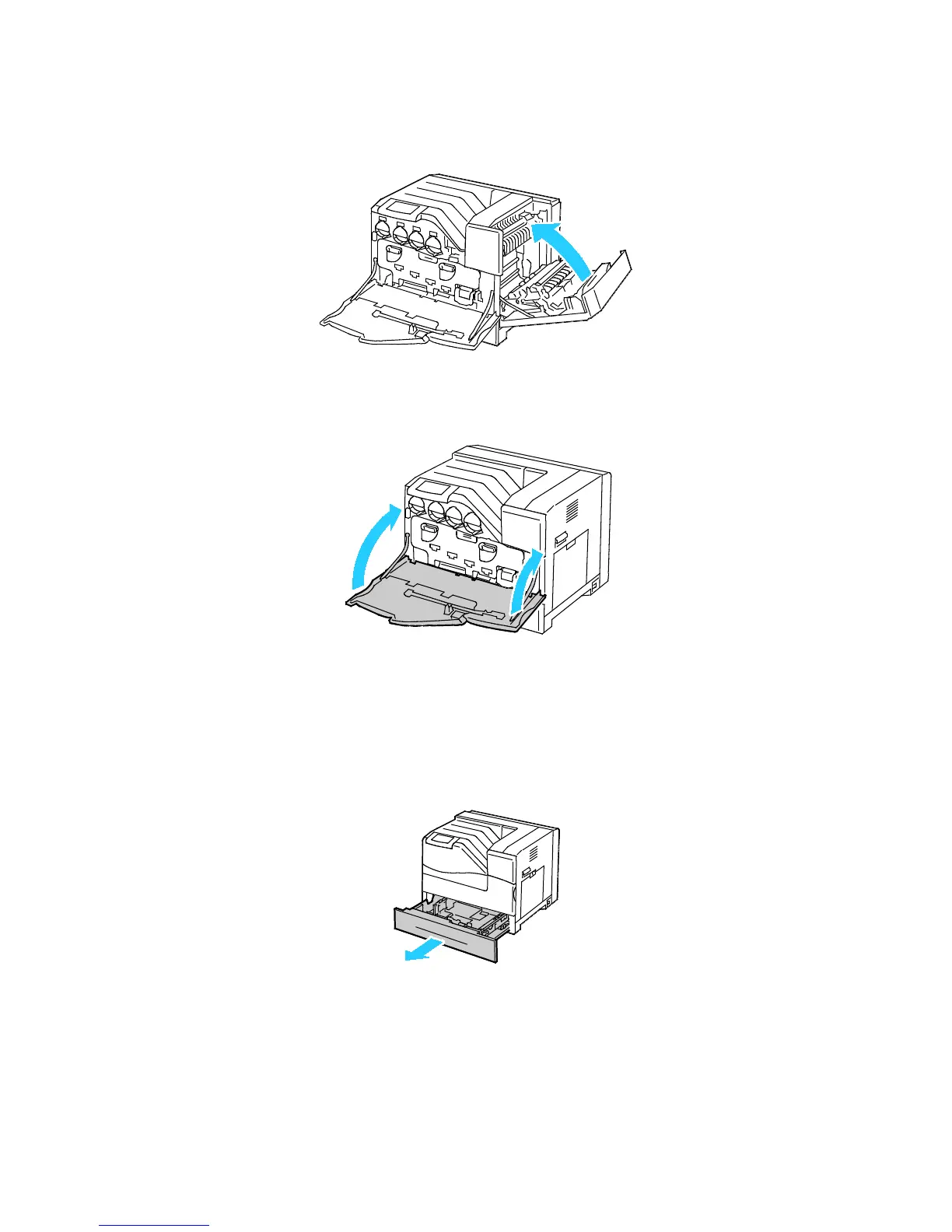
11. To close the right side door, place your hand near the latch and firmly push the door toward
the printer.
Note: If the right side door does not close, the transfer belt is not fully seated.
12. Close the front door of the printer.
13. Turn on the printer.
Cleaning the Feed Rollers
Periodically inspect the feed rollers in each of the installed trays, and clean them if paper dust or other
residue is visible. Dirt on the feed rollers can cause paper jams or deteriorate print quality.
1. Remove the tray from the printer.















 To Next Page