Paper and Media
36 Phaser 6700 Color Printer
User Guide
Loading Paper
This section includes:
• Loading Paper in Tray 1 .................................................................................................................................................... 36
• Loading Paper in Trays 2–6 ............................................................................................................................................. 37
•
Changing Paper Size, Type, and Color ........................................................................................................................ 40
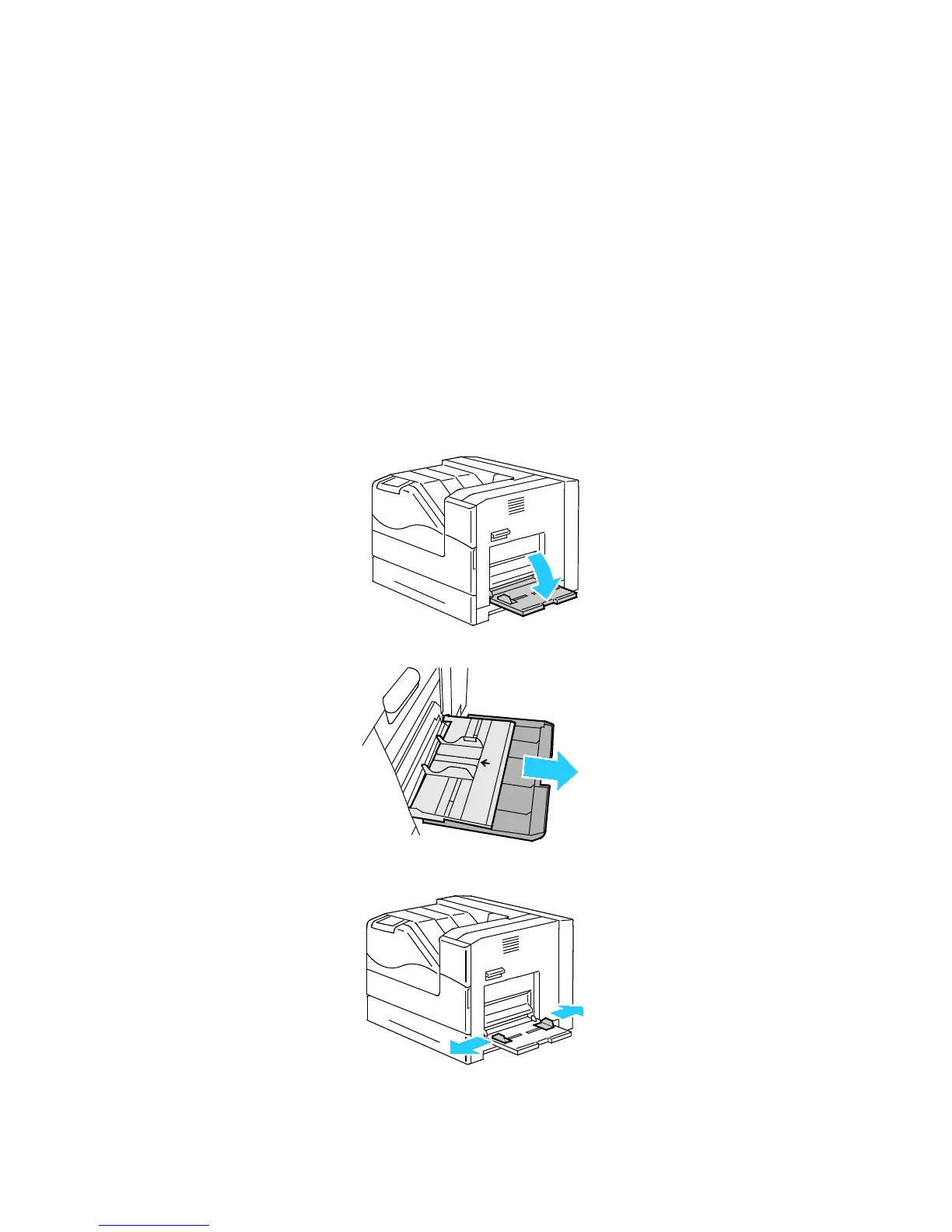
Loading Paper in Tray 1
1. Open Tray 1.
2. Pull out the extension tray for larger sizes.
3. Move the width guides to the edges of the tray.















 To Next Page