Maintenance
Phaser 6700 Color Printer 91
User Guide
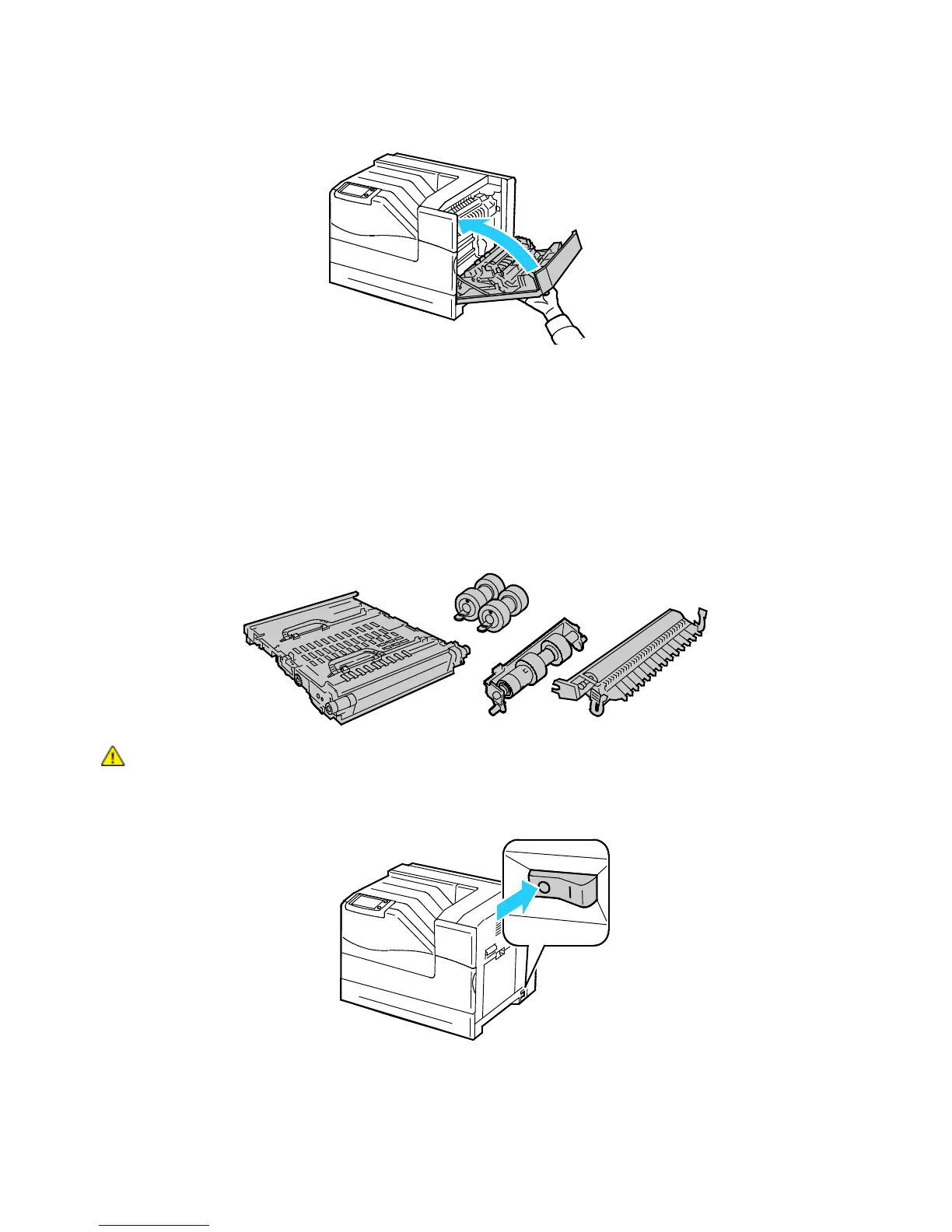
8. Close the right side door.
9. Turn on the printer.
Replacing the Maintenance Kit
A message appears on the control panel when the Maintenance Kit must be replaced.
Note: You can watch a video at the printer that shows the removal procedure. Select Printer > Tools >
Troubleshooting > Resolve Problems > Repeating Spots or Lines, then touch the Video button to
watch the Maintenance Kit video.
WARNING: To prevent electric shock, always turn off the printer and disconnect the power cord from
the grounded outlet before performing maintenance.
1. Turn off the printer.















 To Next Page