Maintenance
Phaser 6700 Color Printer 89
User Guide
Periodic Maintenance
This section includes:
• Replacing the Fuser ............................................................................................................................................................. 89
•
Replacing the Maintenance Kit ...................................................................................................................................... 91
For information on ordering supplies, see Ordering Supplies on page 104.
Replacing the Fuser
Note: You can watch a video at the printer that shows the removal procedure. Select Printer > Tools >
Troubleshooting > Resolve Problems > Repeating Spots or Lines, then touch the Video button to
watch the Fuser video.
WARNING: To prevent electric shock, always turn off the printer and disconnect the power cord from
the grounded outlet before performing maintenance.
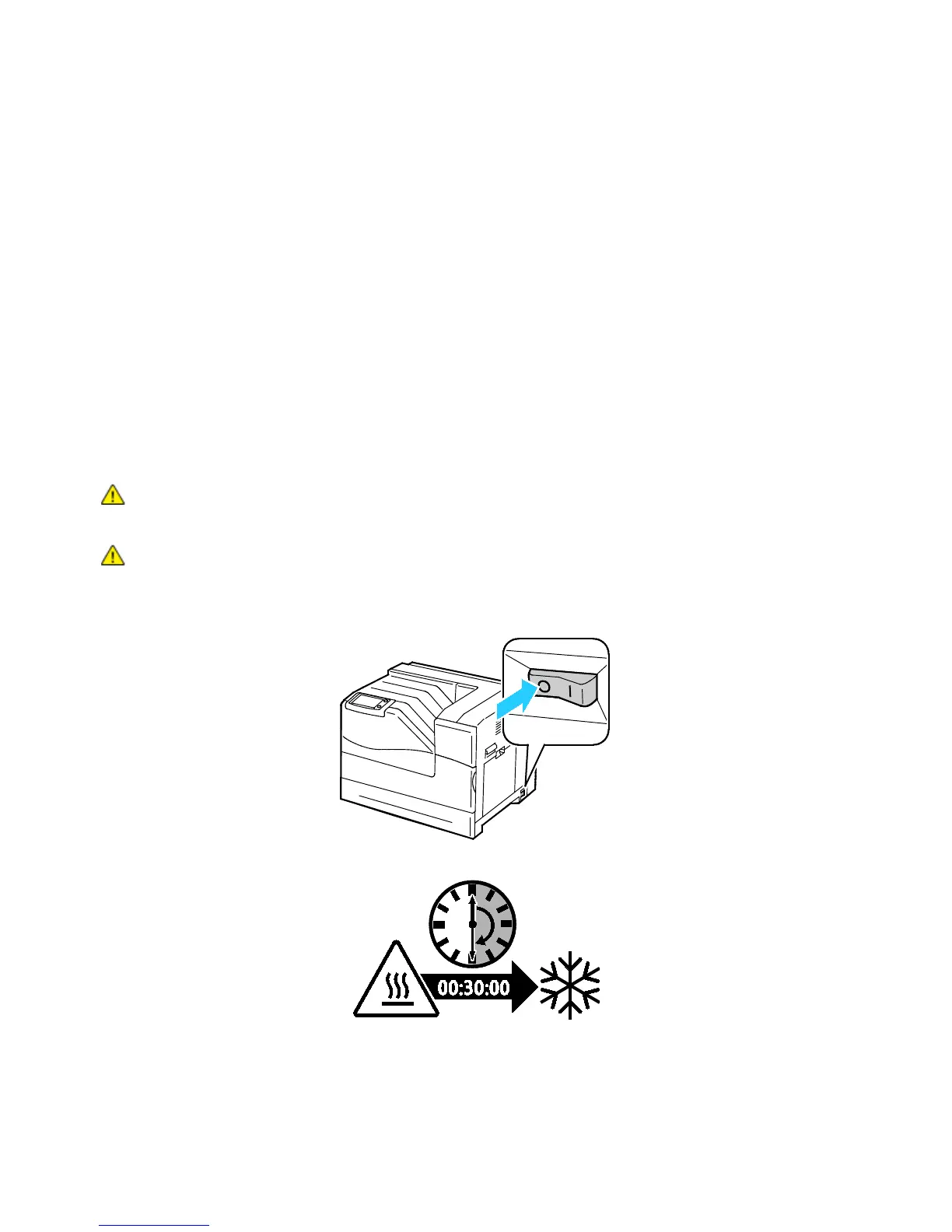
WARNING: To avoid burns, do not replace the fuser immediately after printing. The fuser becomes
hot during use.
1. Turn off the printer.
2. Wait for 30 minutes before proceeding.















 To Next Page