• For 2-sided printing, load letterhead and pre-printed paper face down with the
top edge going into the printer.
6. Adjust the width guides until they touch the edges of the paper.
7. If the Tray Mode is set to Fully Adjustable, the printer prompts you to set the paper
type, size, and color settings.
a) If the paper type, size, and color are correct, touch OK.
b) If the paper type, size, or color are incorrect, change the settings.
• To select a sheet size, touch the current size setting, then from the list, select
the size.
• To select a paper type, touch the current paper type, then from the list, select
the type.
• To select a paper color, touch the current paper color, then from the list,
select the color.
c) To save the settings, touch OK.
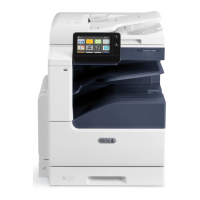
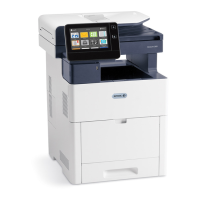
Xerox
®
VersaLink
®
C505 Multifunction Printer6-8
User Guide
Paper and Media


 To Next Page
 Loading...