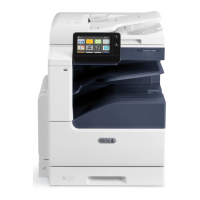
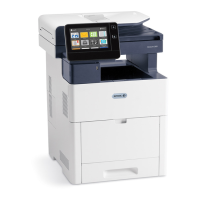
Loading Paper in the High Capacity Feeder (HCF)
The High Capacity Feeder (HCF) tray accommodates 8.5 x 11 in. / A4 paper only and is
loaded in the short-edge feed (SEF) direction.
1. Pull out the tray slowly until it stops.
2. Flex the sheets back and forth and fan the sheets before loading them into the tray.
3. Load the paper into the tray.
Xerox
®
VersaLink
®
C505 Multifunction Printer6-14
User Guide
Paper and Media


 To Next Page
 Loading...