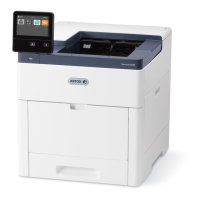
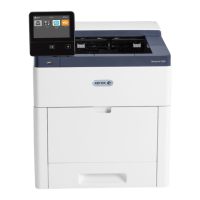
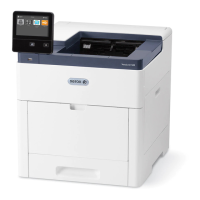
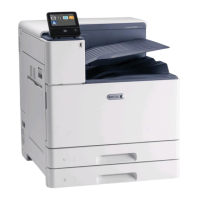
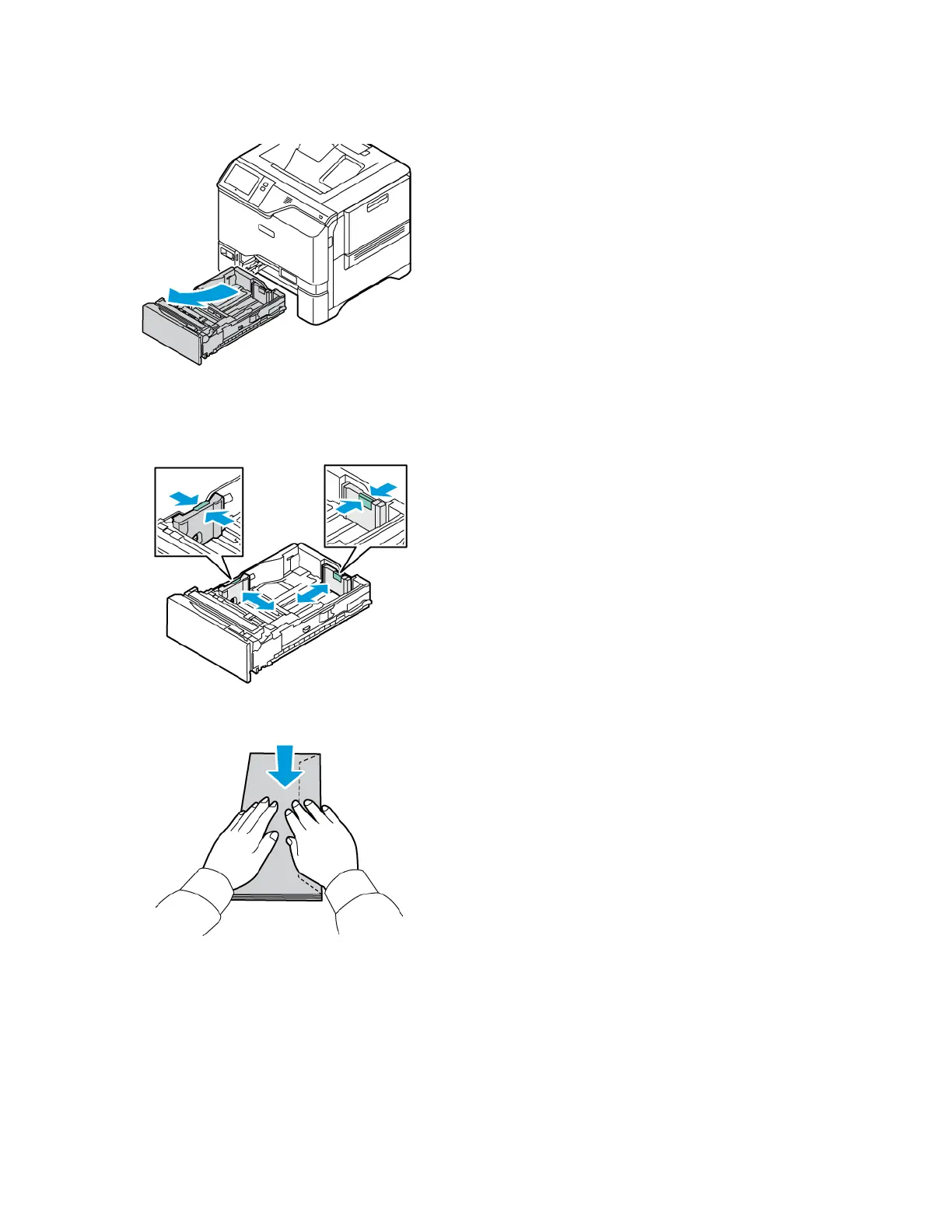
1. Pull out the tray until it stops.
2. Remove any paper that is a different size or type.
3. To move out the length or width paper guides, pinch the guide locks, then slide out the length or width paper
guides.
4. To avoid jams, flatten the envelopes.
Xerox
®
VersaLink
®
C620 Color Printer User Guide 153
Paper and Media


 To Next Page
 Loading...