VESDA ECO Detector by Xtralis Product Guide
17898_05 Configuration 43
ECO Configuration
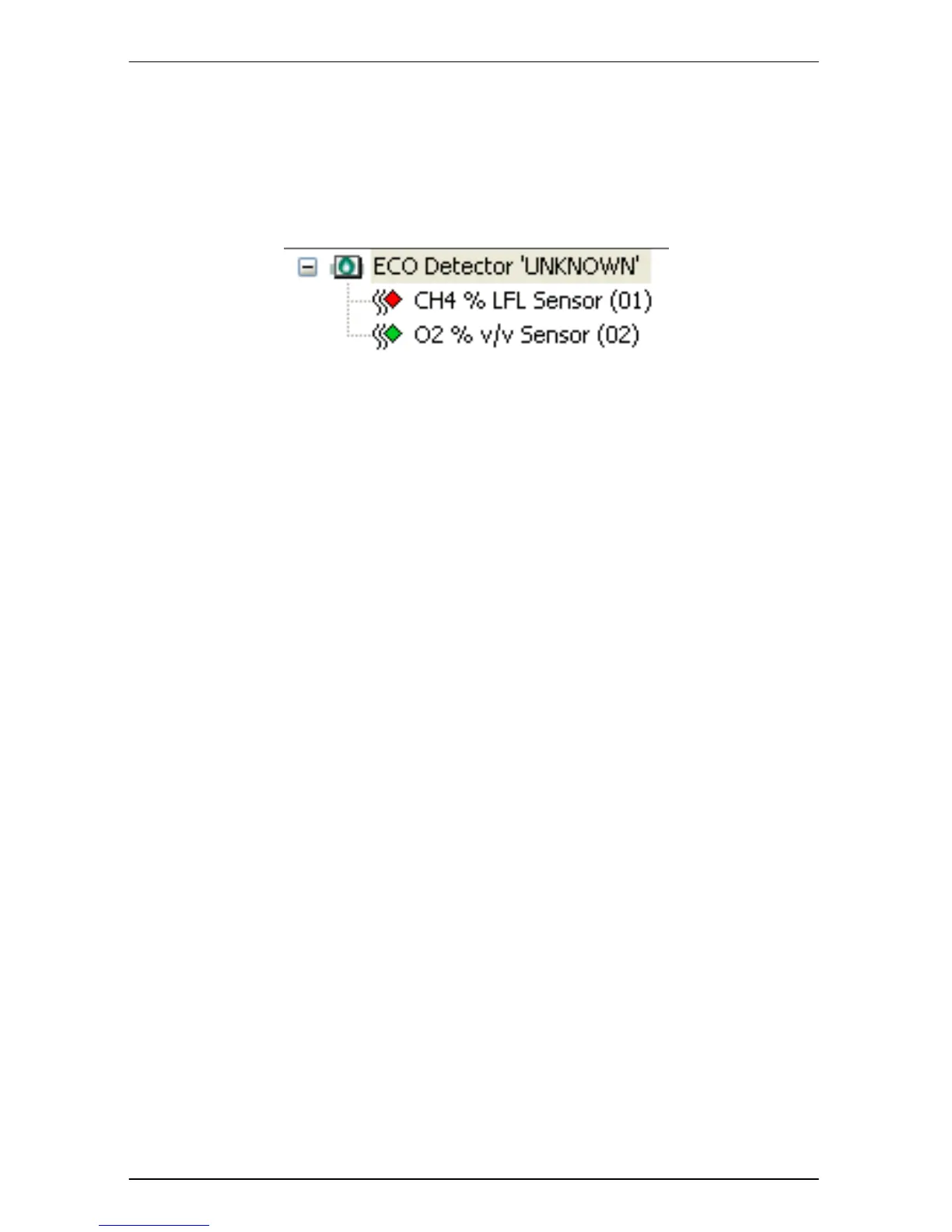
To configure an ECO detector, double click the ECO detector that is to be set-up in
the ‘Detector overview’ zone of Xtralis VSC main window as shown in Figure 26
Xtralis VSC Sensor Display
Figure 26 Xtralis VSC Sensor Display
The ‘ECO Detector’ dialog will be displayed. This contains four tabs that allow the
setup of the following;
• General
• Air Flow
• Latching
• Relays
Each of these items is discussed in the following sections.


 To Next Page