VESDA ECO Detector by Xtralis Product Guide
17898_05 Configuration 53
Monitoring Operational Condition
Monitoring of ECO detectors is achieved using a number of features in Xtralis VSC.
They include.
• Detector Overview
• Alarm Status Tab
• Detail Status
• Active Event List
• Graph Trend
• Event Logging
Each of these topics is covered in the following sections.
For more detailed information regarding the use of Xtralis VSC please refer to the
Xtralis VSC online help.
Detector Overview Zone
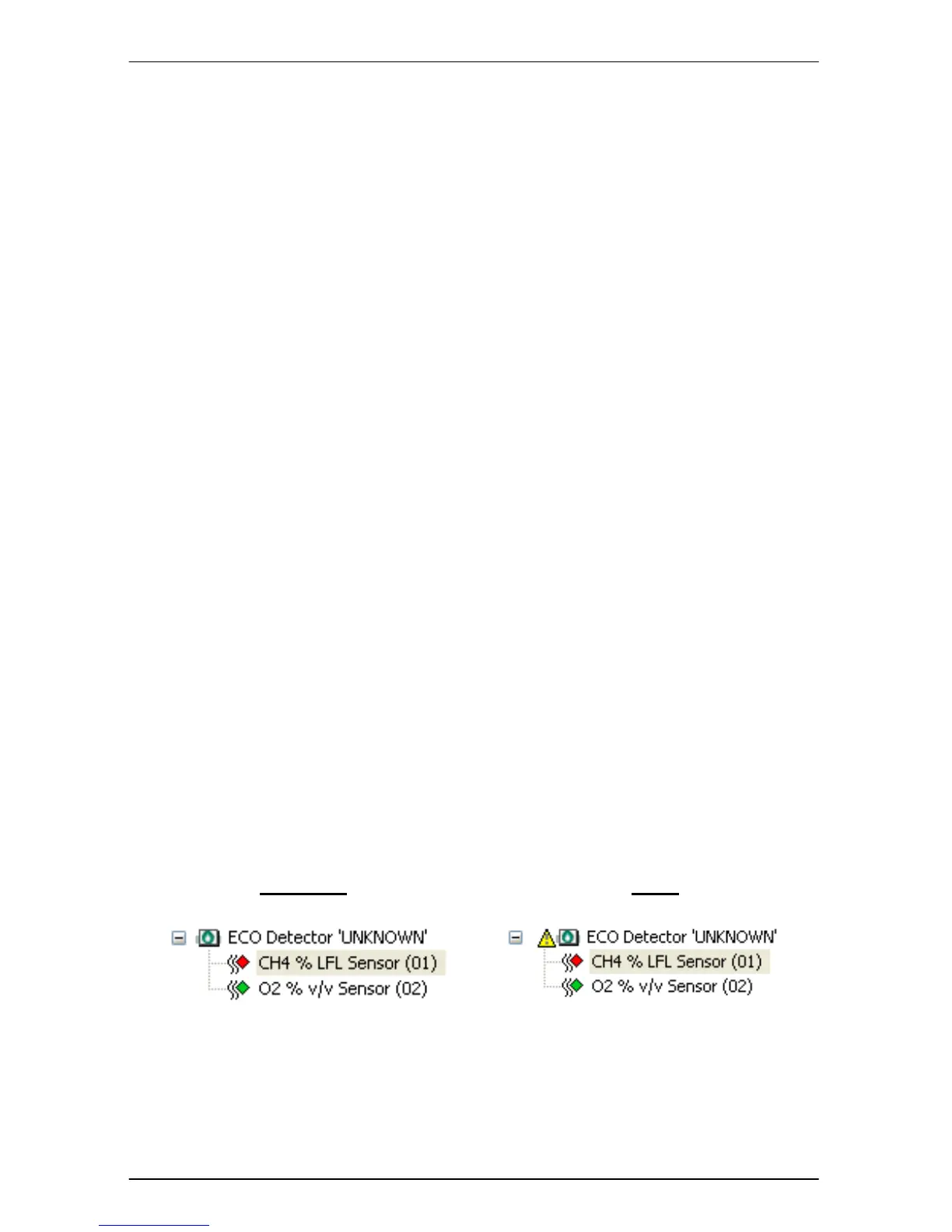
The ‘Detector Overview’ zone of Xtralis VSC’s main window provides a snapshot
of the ECO detectors in the system. It takes the form of a tree view.
The tree branches or nodes can be expanded to view the sensors fitted to the
detectors by clicking on the ‘+’ next to each ECO detector. To hide the sensor view
collapse the node by clicking the ‘-‘.
Clicking on the tree at either the Detector or Sensor levels will cause the ‘Detail’
and ‘Trend’ zones of Xtralis VSC’s main window to refresh and display that detector
or sensors current status. When a detector is in an Alarm/Fault state a ‘Warning
Sign’ will appear next to the detector and sensors. Please refer to Figure 39 for
examples.


 To Next Page