VESDA ECO Detector by Xtralis Product Guide
17898_05 Configuration 55
Note: When a sensor is selected in the ‘Detector Overview’ zone of Xtralis VSC’s
main window, only the current sensor reading for that sensor will be displayed. The
‘Reset’ and ‘Disable’ buttons will also disappear.
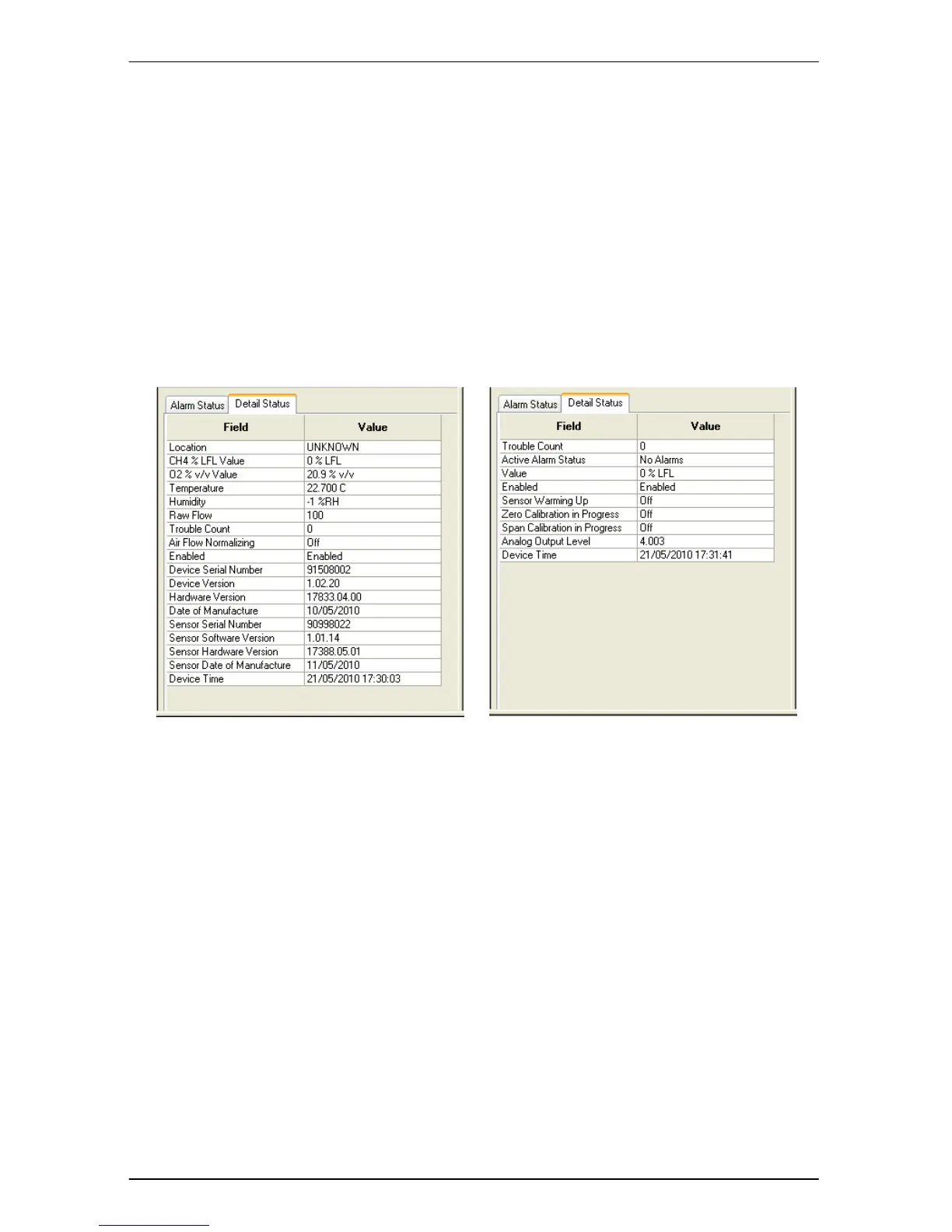
Detail Status Tab
The ‘Detail Status’ tab displays all relevant detector status information to permit
accurate fault diagnosis.


 To Next Page