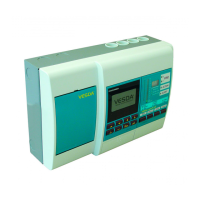
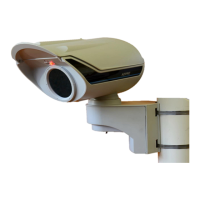
(Y/N)
Fault Solution (Visible within VSC via F1)
2037
The input voltage to the
device exceeds
specification
Y
The power supply to the detector has increased above it's specified voltage limit.
Check supply voltage is within specification. Click clear to reset. If unable to clear
error replace complete detector and re commission.
2038
The input voltage to the
device does not meet
minimum specification
requirements
Y
The power supply to the detector has decreased below it's specified voltage limit.
Check supply voltage is within specification. Click clear to reset. If unable to clear
error replace complete detector and re commission.
2039
The device is drawing
excessive current. An
internal Hardware fault is
indicated
N
The current draw of the detector has increased above an acceptable limit. Click
clear to reset. If unable to clear error replace complete detector and re
commission.
2040
The device is drawing
insufficient current. An
internal Hardware fault is
indicated
N
The current draw of the detector has decreased below an acceptable limit. Click
clear to reset. If unable to clear error replace complete detector and re
commission.
2041
RTC battery failed.
The internal battery is not
working within specification
Y
The real time clock has failed. Replace battery and reconfigure date and time. If
unable to reset error replace main PCB and re commission


 To Next Page