14
EN 2.10 Shuttle Manual 1712
SW 838023
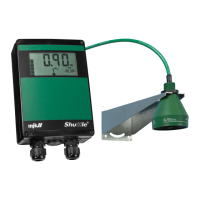
Display and keyboard
Get started
Applying power
When Shuttle
®
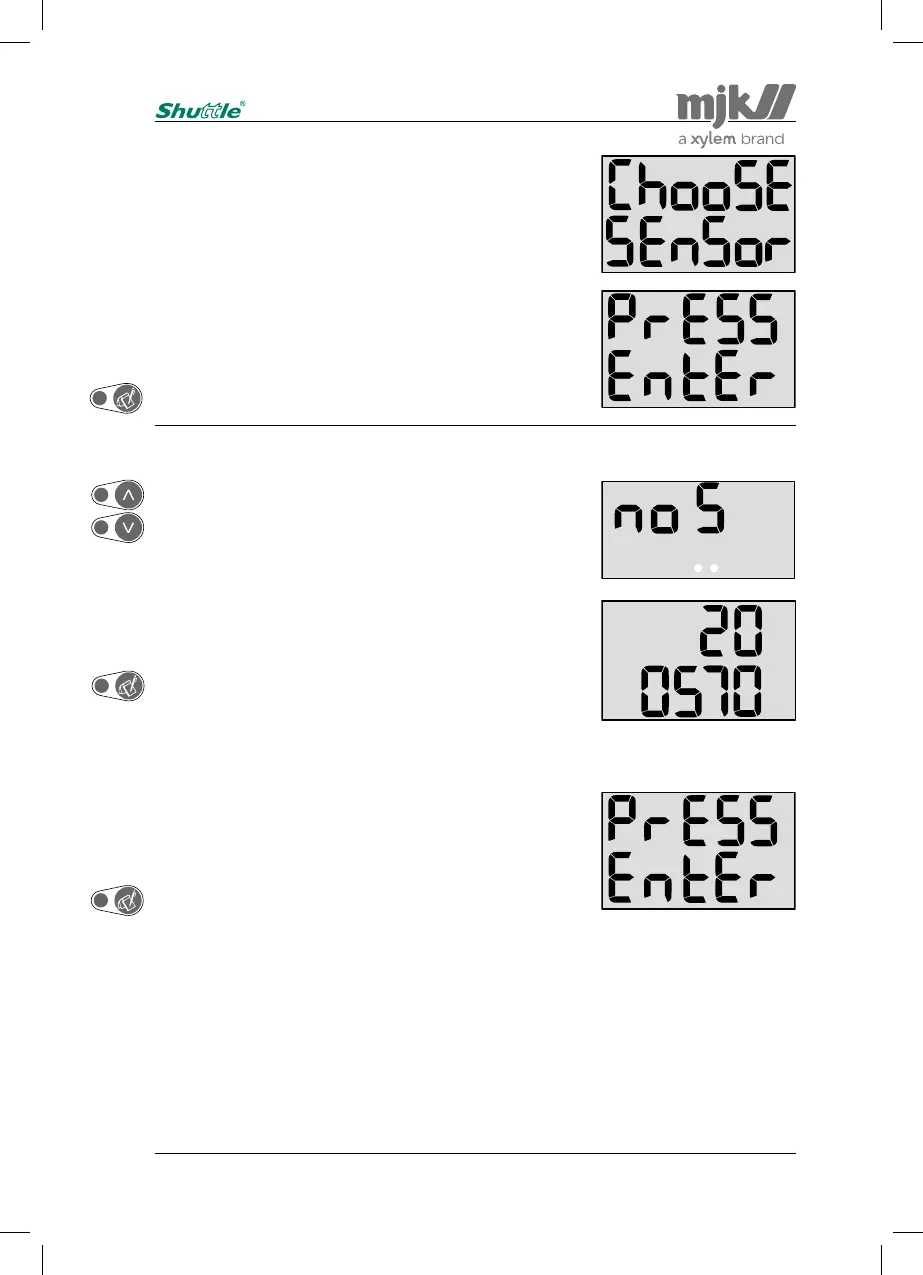
is connected to power for the first time, the fol-
lowing texts (Choose Sensor Press Enter) will appear across
the display:
Press "Enter" once to select the required sensor type.
When "No Sensor" (no S) is displayed, press the 'Up' or
'Down' arrow key to leaf through the different sensor types:
2005xx and 2006xx.
When the required sensor type appears on the display (here:
200570), press "Enter" once.
The sensor type is now registered by the level transmitter,
and "Press Enter" passes across the display to indicate that
you may continue with setting/measuring a level of 0 meter
(nil, empty tank).
Press "Enter" once to proceed with the initial settings.
Notes:
When a sensor type has been selected, the factory set-
tings will have no influence on this selection.
If you choose "No Sensor" (no S), the Shuttle will
invoke the choose sensor menu at start-up. From this
point the correct sensor type can be selected.
Sensor type selection


 To Next Page