What to do if... Multi 3410
115
ba75863y18 01/2015
6.5 Turbidity
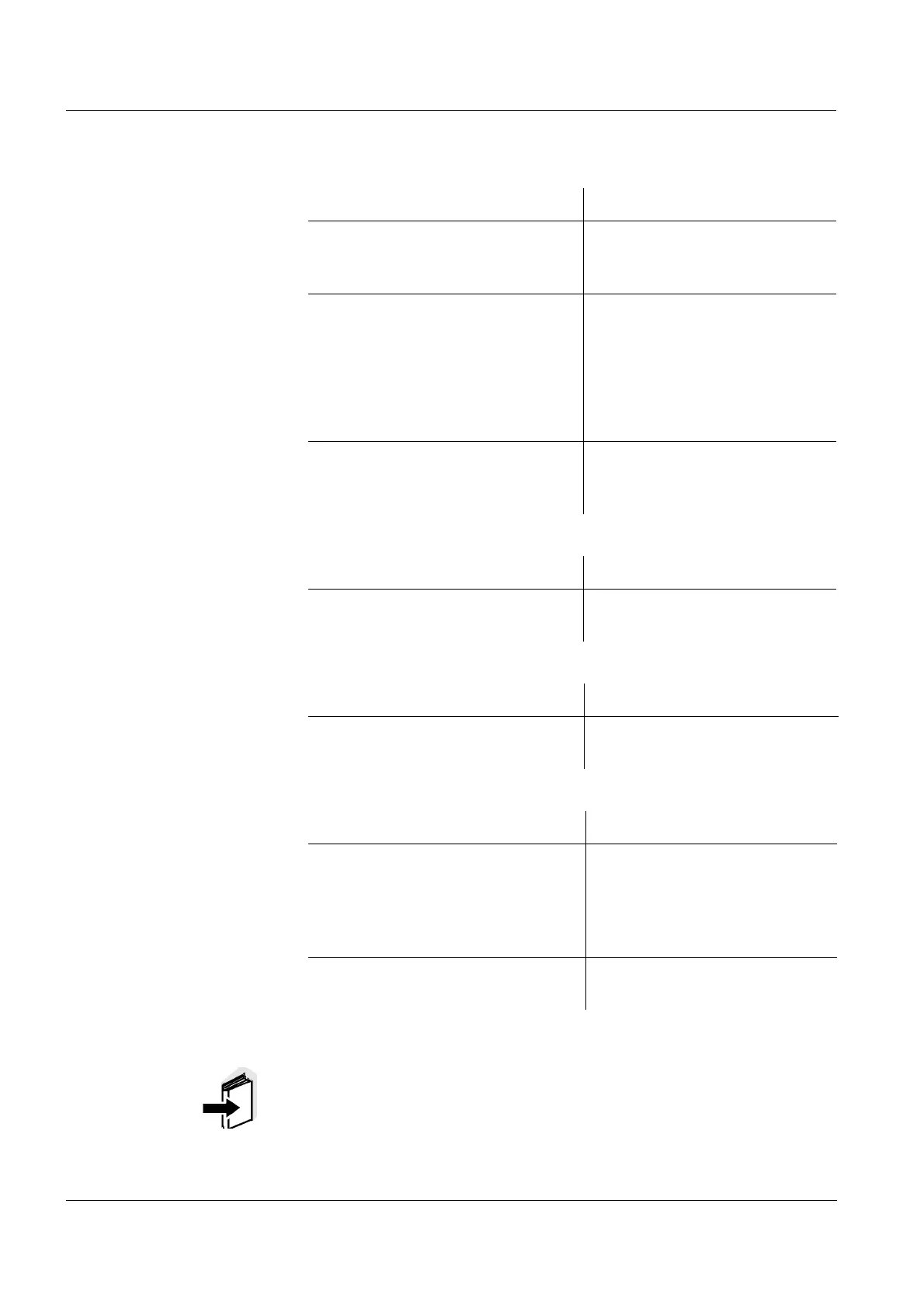
Implausible turbidity
values
Error message,
OFL
Measured values too low
Measured values too
high
Cause Remedy
– There are gas bubbles (e.g. air
bubbles) in front of the measure-
ment window
– Remove the gas bubbles,
e.g. by immersing the sen-
sor at an angle
– Incorrect calibration,e.g.:
– Unsuitable calibration stan-
dard solutions (e.g. too old)
– Unsuitable calibration envi-
ronment (e.g. gas bubbles,
reflection, light)
– Check the calibration
– Minimum depth of immersion not
observed
– Heed the minimum depth of
immersion of the sensor
(2 cm)
Cause Remedy
– Measured value outside the
measuring range
– Select a suitable measuring
medium
Cause Remedy
– Measurement window soiled – Clean the measurement
window
Cause Remedy
– Reflection at the walls or bottom
of the measuring vessel
– Keep the minimum distance
of the sensor towards the
walls and bottom of the
measuring vessel (see sec-
tion 6.5)
– Incidence of light – Use a light-proof measuring
vessel
Note
More information and instructions on cleaning and exchange of sen-
sors are given in the documentation of your sensor.



 To Next Page