Operation Multi 3410
89
ba75863y18 01/2015
Continuing with two-
point calibration
4 In the measured value display, select the TRB measuring win-
dow with <><> and <M>.
5 Start the calibration with <CAL>.
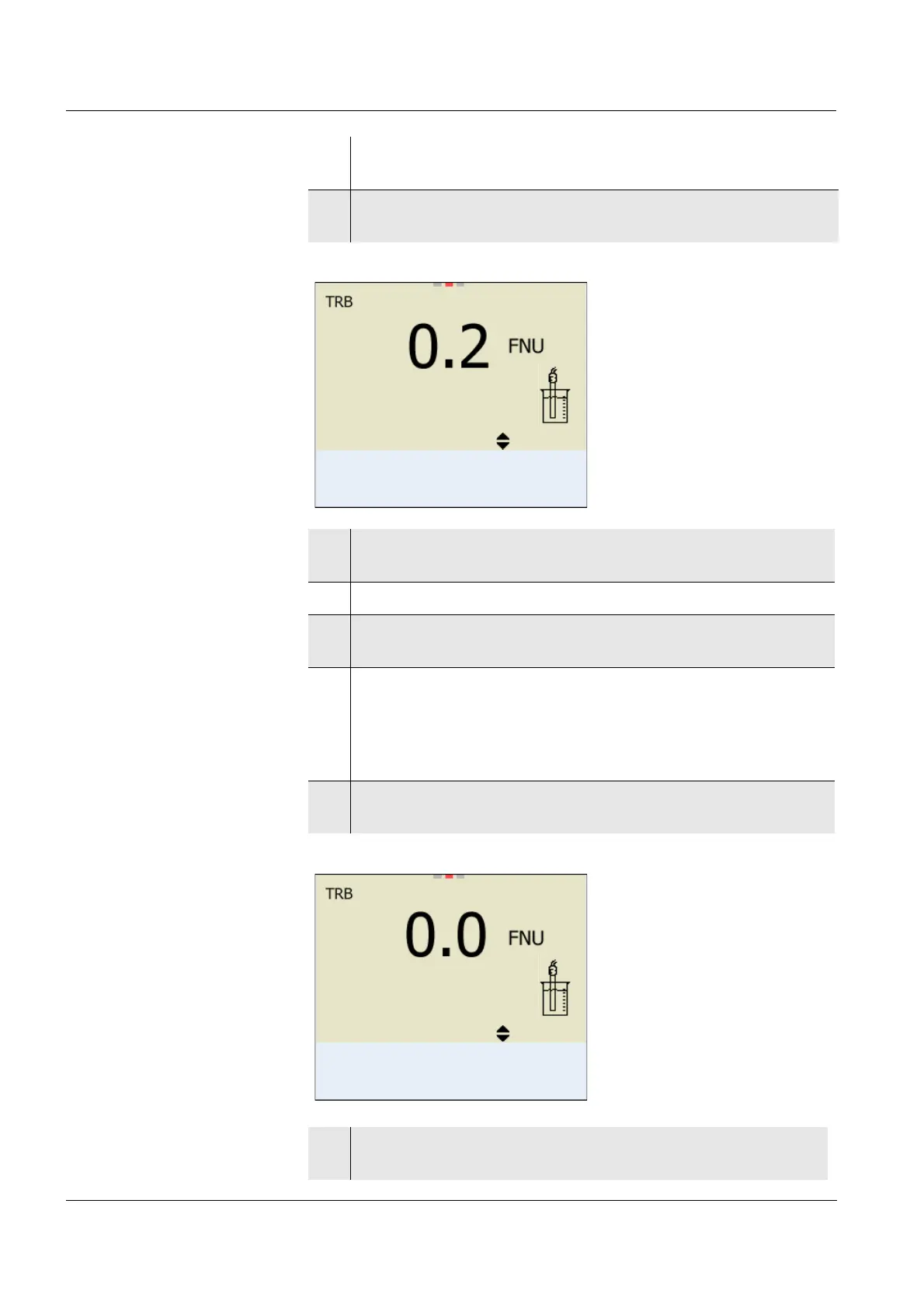
The calibration display appears.
6 Thoroughly rinse the turbidity sensor with distilled water and
dry it with a lint-free cloth.
7 Immerse the turbidity sensor in the test sample at an angle.
8 Position the turbidity sensor in the measuring vessel (see sec-
tion 4.10.1).
9Use <><> and <><> to set the concentration of the
standard solution for each digit and confirm with <MENU/
ENTER>.
The standard solution is measured.
The measured value is checked for stability (AutoRead).
10 Wait for the end of the AutoRead measurement.
The calibration display for the next standard solution appears.
15.09.2014 08:00
0.0 FNU
Standard 1
Cal
15.09.2014 08:00
124.0 FNU
Standard 2
Cal
11 Thoroughly rinse the turbidity sensor with distilled water and
dry it with a lint-free cloth.














 To Next Page