4-12
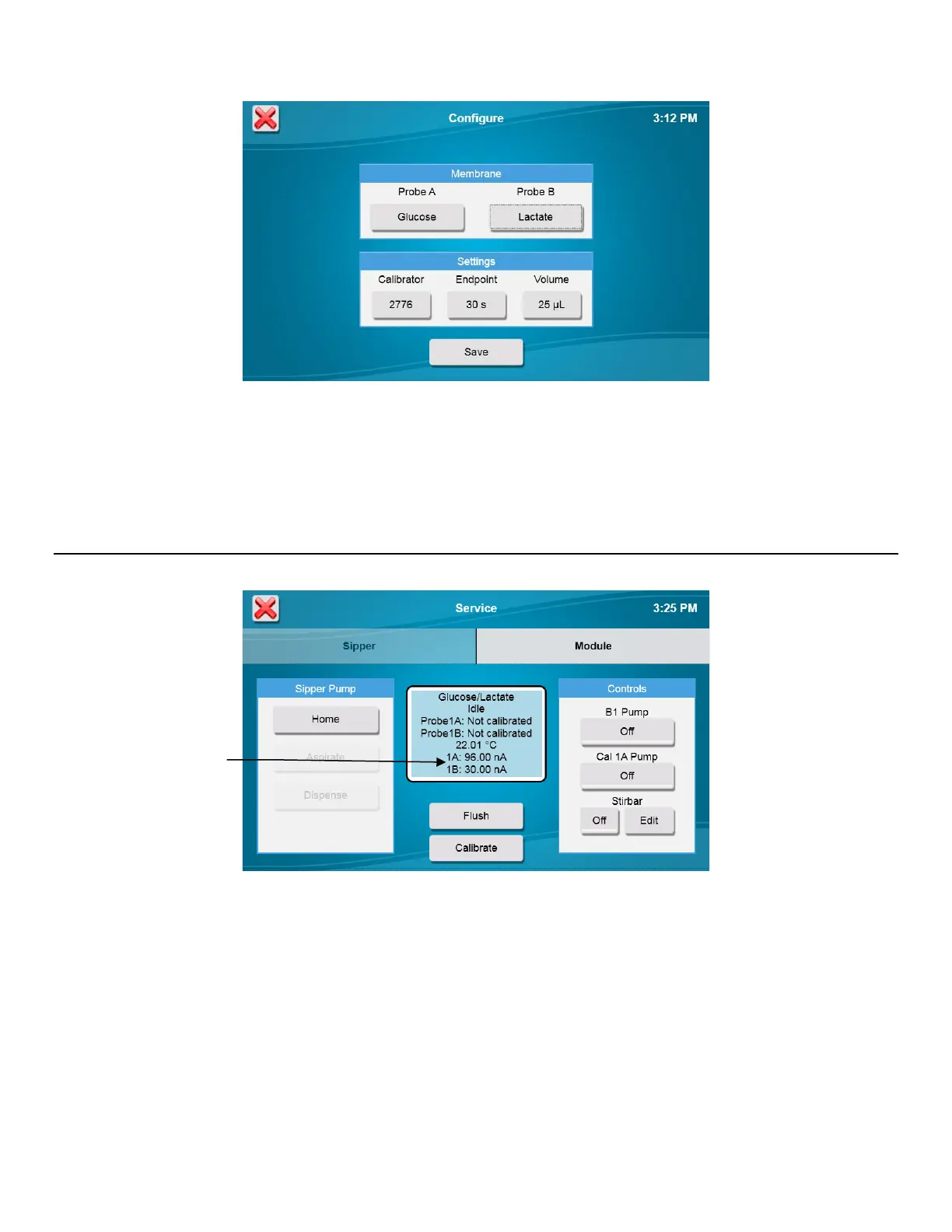
2. Touch [Save].
Check Probe Currents 4.10
1. From the [Module] tab of the Service screen, touch the [Flush] button to flush the sample module with buffer.
2. Observe the probe current values (baseline). They must be below 6 nA and stable.
3. Check to see if they are decreasing in value.
4. Check the sample module; it should be full of buffer.
5. If necessary, touch the [Flush] Button to flush the sample module again.
Please note that when the instrument is first powered up, it may take several hours for the baseline currents to drop below
6 nA.
Currents














 To Next Page