6-15
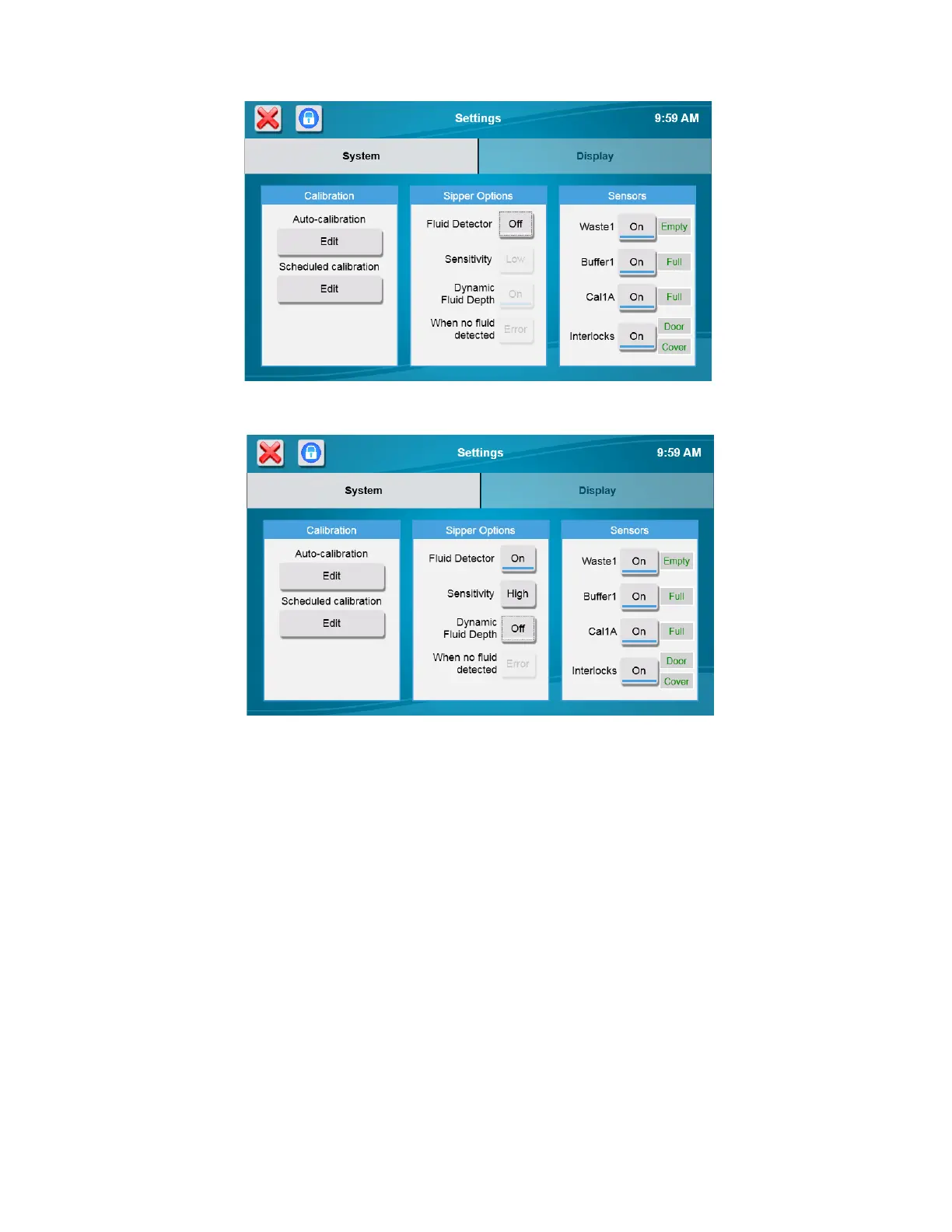
Touch the Dynamic Fluid Depth [On] button and change it to [Off] to disable sipper fluid detection and use fixed depth at
sample stations.
Touch the “When no fluid detected” button and select the sample fluid detection mode you prefer:
[Error] Produce an error when no sample is detected (no sample result).
[Warn] Use fixed depth when no sample is detected (report a sample result).
6.1.1.3 Sensors
To change bottle Fluid Detection, touch the button for the bottle you wish to change.
NOTE: When bottle sensors are off, check bottle fluid levels regularly to prevent waste fluid from backing up into
sample modules and overflowing.
6.1.2 Display
From the Settings screen, touch the [Display] tab.














 To Next Page