6-23
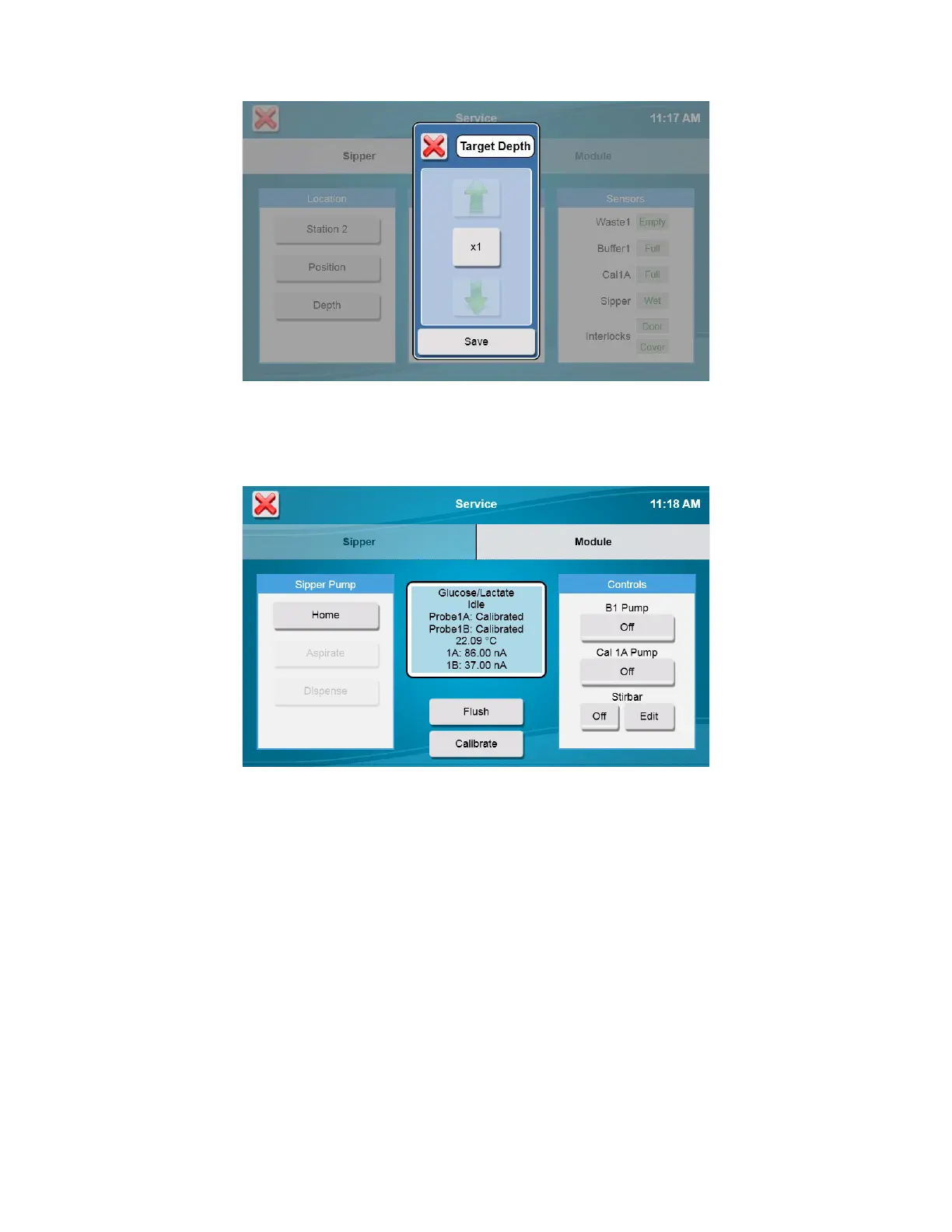
Touch [Save] to confirm the position.
6.2.2 Module
From the Service menu, touch the [Module] tab.
The Module tab displays the status of the probes, probe current for each enzyme probe, and the temperature. The probe
current is expressed in nA (nanoamperes, 10
-9
amperes), a very low level of electrical current.
6.2.2.1 Sipper Pump
Home
Touch the [Home] button to Home the sipper pump plunger. The pump plunger will extend fully, then retract slightly.
Aspirate
Touch the [Aspirate] button. The pump plunger will retract about half way as it does when it aspirates a sample. Note that
the actual distance depends on the sample size setting.
Dispense
Touch the [Dispense] button. The pump plunger will extend about half way as it does when it dispenses a sample into the
sample module.
When you have finished testing the sipper pump, touch the [X] button to return to the main display.
6.2.2.2 Flush
Touch the [Flush] button to flush the sample module with buffer. Observe the probe current values (baseline). If they are
above 6 nA, check to see if they are decreasing in value. Check the sample module; it should be full of buffer. If














 To Next Page