5-8
Figure 5-2
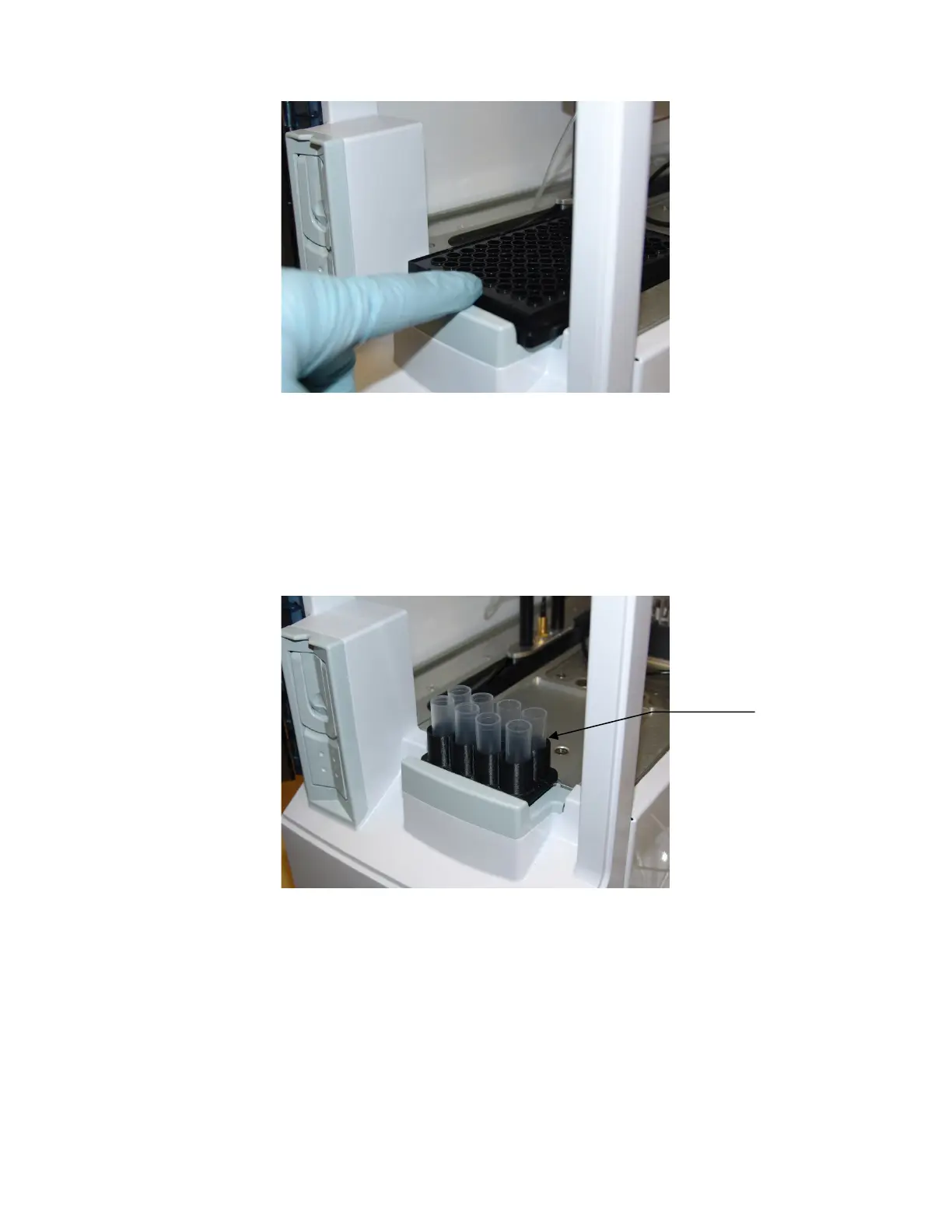
5.3.3.2 R4 or R8 Tube Racks
1. Open the front door of the instrument.
2. Insert the R4 or R8 tube rack into the cavity just inside the front door.
3. Insert your sample tubes into the tube rack you installed.
Figure 5-3
5.3.4 Run Samples
Touch (Start) to run the current batches.
The 2500 Analyzer will calibrate as required and run the batches.
5.3.5 Status
1. Touch the Status tab.














 To Next Page