6-20
Touch the current date on the calendar to select it.
Touch the Hour button and enter the current hour in 24 hour format (0–23), then touch [OK].
Touch the Minute button and enter the current minute, then touch [OK].
When you have finished entering the date and time, touch [OK] to return to the main display.
Service 6.2
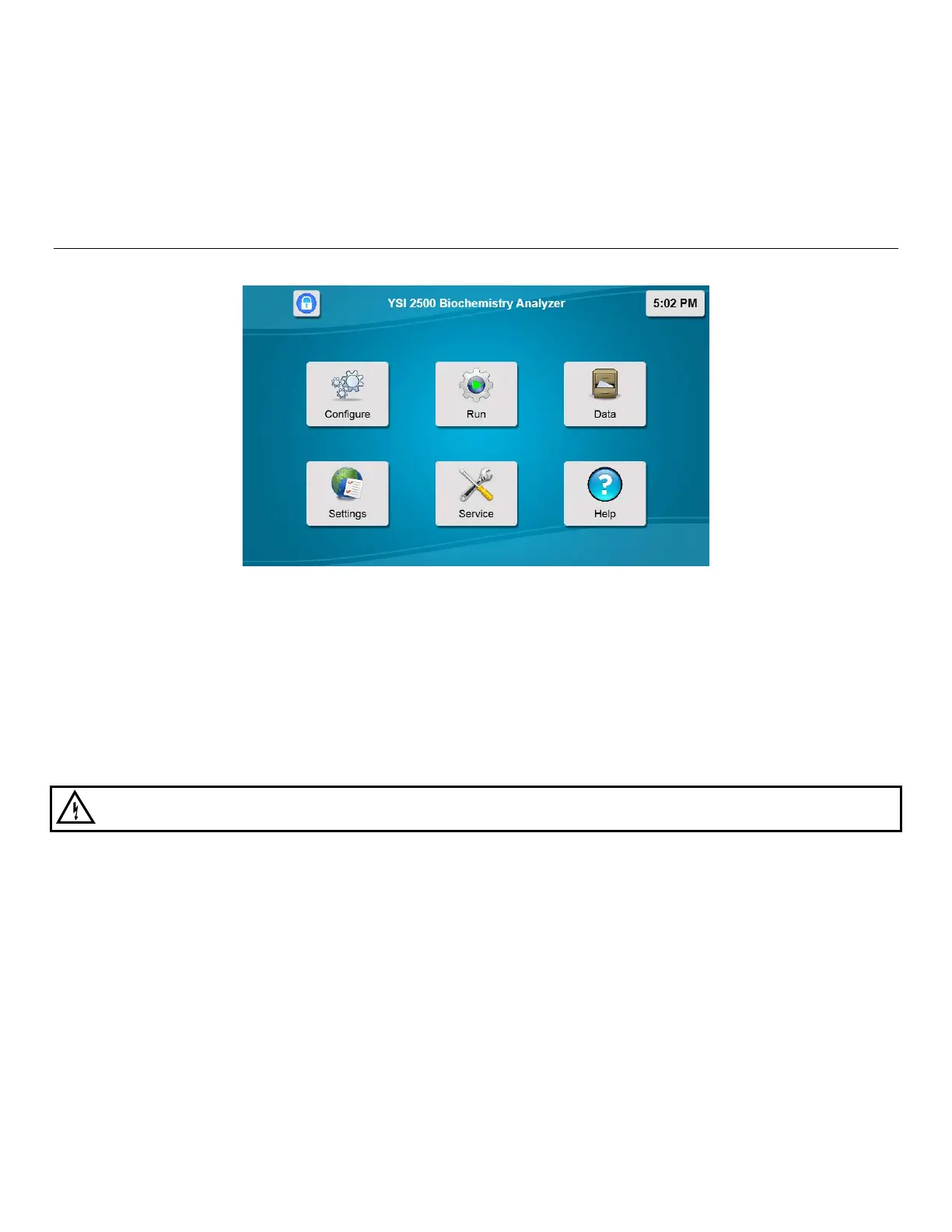
Touch [Service] to display the Service menu.
6.2.1 Sipper
See Section 4.4 Align Sipper for details on aligning the sipper with the sample module.
Always [Home] the sipper before performing alignment.
If necessary, the sipper can also be aligned with Station 2, the different types of racks/plates used at Station 1, and the
calibrator well.
6.2.1.1 Interlocks
From the Settings screen, System tab, touch the Interlocks button and change the status to [Off] to disable the interlock
switches on the front door and side panel when aligning the sipper.
WARNING: Keep your hands clear of the sipper while the instrument is in operation.
Always turn the Interlocks back [On] before operating the instrument!














 To Next Page